

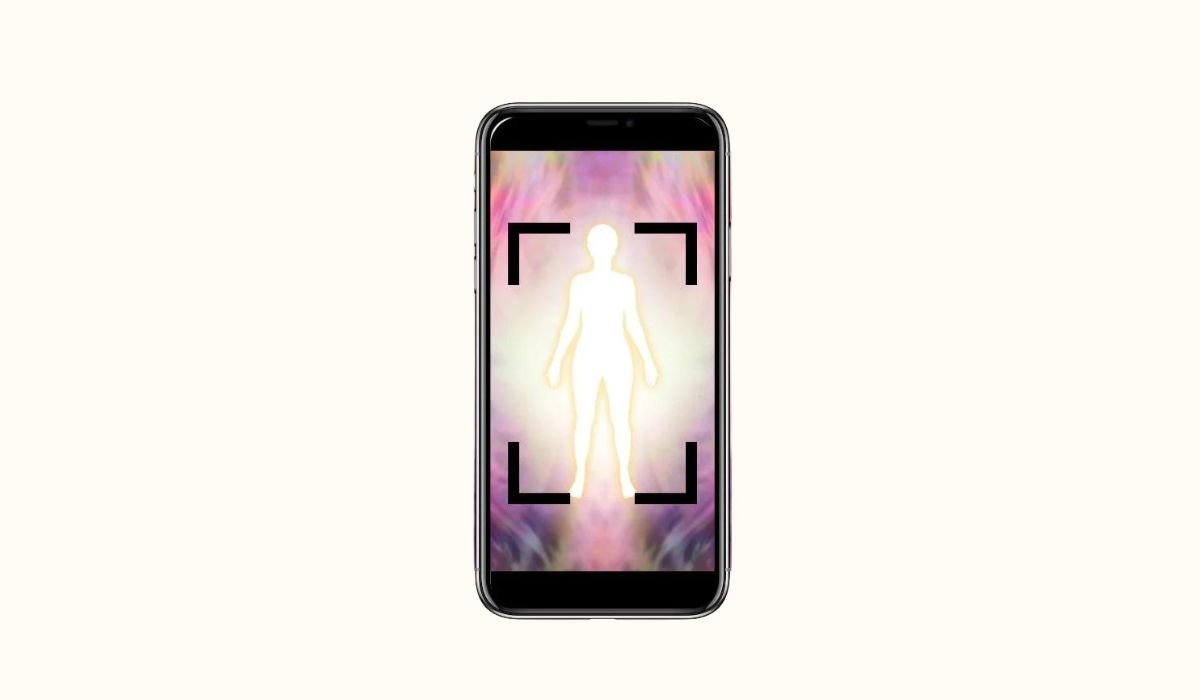
Aura photography is a method used to capture the energy field that surrounds a person, known as their “aura.” This energy is believed to reflect their emotions, spiritual state, and even physical health. By using special techniques, aura photos display vibrant colors that are thought to represent different energy levels or chakras.
In spiritual and metaphysical practices, aura photos hold great significance. They provide insight into a person’s emotional and energetic well-being, offering a deeper understanding of their inner self. Many people use these photos for self-reflection, healing, or as part of energy-based practices like Reiki.
With the rise of technology, capturing aura images has become more accessible. Smartphones, particularly Android devices, now allow users to take aura-like photos through specialized apps. This growing trend has made aura photography more popular, blending ancient practices with modern convenience.
Understanding Aura and Energy Fields
An aura is an invisible energy field that surrounds living beings. Many believe it reflects a person’s inner emotions, thoughts, and spiritual energy. This energy is often described as different colors, each representing various aspects of the person’s emotional or physical state.
In belief systems like energy healing, chakras, and spirituality, auras play a vital role. Energy healers use auras to assess imbalances in a person’s well-being, while chakras—energy centers within the body—are often linked to the colors seen in aura photography. Each chakra is associated with a different emotion or function, making auras a key element in understanding personal energy.
Auras are thought to shift based on emotions, health, and energy levels. For example, a bright, balanced aura might indicate someone is feeling positive and healthy, while a dull or dark aura might suggest emotional struggles or fatigue. Understanding one’s aura can be a useful tool for improving emotional and physical health.
Also read: Step-by-Step Guide to Update Your Android OS
Can You Capture Auras with an Android Phone?
While traditional aura photography uses specialized cameras that measure electromagnetic fields around the body, many wonder if it’s possible to capture auras with a smartphone. It’s important to note that Android phones don’t have the same technology as professional aura cameras, so they can’t capture auras in the same scientific way.
However, Android phones can simulate or approximate aura photos using apps designed to mimic the look of aura photography. These apps use filters, lighting effects, and even real-time color analysis to create images that resemble traditional aura photos. Though the results may not be as precise, they still provide an exciting way to explore energy fields visually.
Several special apps and filters are available for Android devices that claim to capture aura-like images. These apps analyze body heat, light, and movement to generate colorful auras around the subject, offering a fun and creative experience with aura photography.
Tools and Apps for Aura Photography on Android
There are several popular apps available for Android that claim to capture auras or create aura-like images. Some of the most commonly used ones include Aura Camera, Kirlian Photography, and Aura Reader.
- Aura Camera offers real-time aura analysis, allowing users to see their aura in different colors as they take the photo. The app also provides explanations of what each color represents, giving insight into the user’s energy.
- Kirlian Photography mimics the classic Kirlian effect, known for capturing energy fields. It uses filters to create a glowing effect around the subject, resembling the traditional aura photos taken with professional cameras.
- Aura Reader focuses on reading a person’s energy field and displaying their aura in various vibrant colors. It also offers interpretations of the aura’s meaning based on the chosen colors.
Most of these apps have both free and paid versions. The free versions typically offer basic features, like taking aura-like photos and applying simple filters. Paid versions often unlock more advanced features, such as detailed aura readings, additional filters, and higher-quality images.
To download these apps, simply go to the Google Play Store, search for the app by name, and tap the “Install” button. Once installed, follow the on-screen instructions to start exploring your aura photography.
Step-by-Step Guide: How to Take Aura Photos on Android
- Step 1: Prepare your phone Before starting, make sure your phone is ready. Clean the camera lens to avoid blurry images, and ensure you’re in a well-lit area with soft lighting. Good lighting will enhance the clarity of the aura photo and make the colors more vibrant.
- Step 2: Download and install the preferred aura photography app
Go to the Google Play Store, search for an aura photography app like Aura Camera or Kirlian Photography, and download it. Once installed, open the app to get started. - Step 3: Launch the app and follow instructions
Open the app and follow any prompts or instructions on how to capture aura photos. Most apps will guide you through the process and explain how to take the best image. - Step 4: Position the subject and phone properly
For best results, position the subject in front of a neutral background with good contrast. Ensure the subject is centered in the frame and at a reasonable distance from the camera (about 3-4 feet works well). Avoid cluttered backgrounds, as they can interfere with the aura effect. - Step 5: Take the photo and let the app analyze the aura
Tap the camera button to take the photo. Once captured, the app will analyze the aura and display the aura colors around the subject. Most apps will provide a brief interpretation of the colors, giving you insight into the subject’s energy field.
Here’s the step-by-step guide in a table format:
| Step | Action |
|---|---|
| 1 | Clean the lens and ensure good lighting. |
| 2 | Download and install an aura photography app. |
| 3 | Open the app and follow instructions. |
| 4 | Position the subject with a neutral background. |
| 5 | Take the photo and view the aura. |
Also read: Cancel Pandora Subscription on Android: A Complete Guide
Tips for Enhancing Aura Photos
- Best lighting conditions: For the clearest aura images, use natural light or soft, indirect lighting. Avoid harsh or direct lighting, as it can distort the aura’s colors. A neutral background works best, like a plain wall, to ensure the aura stands out without distractions. Outdoor settings can also work, but choose shaded areas for softer light.
- Posing and positioning tips: To capture the most vibrant auras, ensure the subject is relaxed and centered in the frame. Encourage them to sit or stand still for a few moments, as motion can blur the aura. Facing the light source often enhances the glow, but keep it balanced to avoid overexposure.
- Optional accessories: If you want to improve your photo quality, consider using external lenses for Android phones. Wide-angle lenses can help capture more of the aura field, while macro lenses might add detail and clarity to the image. These accessories are easy to attach and enhance the overall sharpness of your aura photo.
- Avoiding common mistakes: To avoid overexposure, make sure the lighting isn’t too bright and the camera settings are balanced. Clean the camera lens to prevent blurry images, and always ensure the subject remains still during the capture. Lastly, avoid busy backgrounds, as they can interfere with the aura’s visibility. Keep it simple for the best results.
Understanding and Interpreting Aura Colors
Common aura colors and their meanings
Aura colors are believed to represent different emotional and energetic states. Here’s a quick overview of some common colors:
- Red: Symbolizes passion, energy, and strength. It often reflects excitement or strong emotions.
- Blue: Represents calmness, peace, and clarity. A blue aura suggests a person is in a relaxed and balanced state.
- Green: Associated with healing, growth, and compassion. It indicates a strong connection to nature and emotional healing.
- Yellow: Reflects joy, creativity, and confidence. It’s often seen in people with a positive and enthusiastic outlook.
- Purple: Suggests spirituality, intuition, and deep insight. This color is often linked to higher consciousness.
- Orange: Indicates creativity, excitement, and enthusiasm. It shows dynamic energy and ambition.
How aura colors change
Aura colors aren’t fixed; they can shift depending on a person’s mood, health, and energy levels. For example, someone feeling calm might display a blue aura, but if they become stressed, red or orange may appear. Health issues or fatigue might dim an aura, while positive emotions and high energy levels often make it brighter.
Using the app’s color guide
Most aura photography apps include a color guide to help interpret the meaning of the colors in your photo. After taking the picture, the app will display the aura’s colors and provide explanations. Use this guide to understand the emotional and energetic state being reflected in the photo. It’s a helpful tool for those looking to connect their energy levels to the colors they see in their aura photos.
Sharing and Editing Your Aura Photos
Editing and enhancing aura photos
To make your aura photos stand out, consider using photo editing apps like Snapseed or Adobe Lightroom. These apps allow you to adjust brightness, contrast, and saturation, helping the aura colors pop. You can also fine-tune the sharpness and clarity of the image, ensuring the aura details are crisp and vibrant.
Adding filters or overlays
For a more dramatic effect, try adding filters or overlays. Many editing apps offer tools to emphasize specific colors, making the aura glow even brighter. Use subtle filters that enhance, rather than overpower, the aura colors. You can also add a soft glow or halo effect to make the aura more visually striking.
Sharing on social media
When sharing your aura photos on social media, choose platforms like Instagram or Facebook where visual content thrives. Crop and format the image for maximum impact, and make sure the aura is the focal point. Adding captions about the meaning behind the aura colors can engage your audience further.
Tagging with relevant hashtags
To reach a wider audience, always use relevant hashtags like #AuraPhoto, #AuraPhotography, or #EnergyField. These tags help others discover your posts, especially those interested in spirituality, wellness, and energy healing. Tagging popular accounts or communities can also increase visibility, allowing your aura photos to stand out online.
The Limitations of Aura Photography on Smartphones
Accuracy and limitations of Android apps
While aura photography apps for Android are fun and creative, they come with several limitations. These apps use camera filters and algorithms to simulate aura images but lack the ability to measure actual energy fields. There is no scientific basis behind the aura colors produced by these apps, making them more of an artistic interpretation than a genuine reflection of a person’s energy. The results can vary based on lighting, background, or even the app’s settings, which may not provide a consistent or reliable aura reading.
Professional aura photography vs. smartphone apps
Professional aura photography typically involves specialized equipment, like Kirlian cameras, which are designed to capture electromagnetic fields. These systems are far more advanced and produce detailed, consistent results that many believe offer a clearer view of someone’s energy field. Smartphone-generated aura images, on the other hand, rely on filters and approximations. They provide an accessible way to experiment with aura photography, but they lack the precision and depth of traditional methods.
While Android apps are a great way to play around with aura photography, they should be seen more as a fun tool rather than a serious, accurate reading of your energy.
Final Thoughts: Is It Worth Trying Aura Photography with Android?
Using an Android phone for aura photography offers a fun and creative way to experiment with capturing energy fields. While the photos produced by these apps may not be scientifically accurate, they allow users to explore the concept of auras in a visually engaging way. It’s a great starting point for those curious about aura photography but not ready to invest in professional equipment.
Though aura photos on Android aren’t as precise as traditional methods, they offer an easy and accessible introduction to the world of energy fields. The vibrant colors and artistic interpretations make the experience enjoyable, whether you’re using the photos for spiritual reflection or simply for fun.
For those interested in delving deeper into aura photography, exploring more advanced methods with professional cameras or visiting practitioners who specialize in energy field readings can offer a richer, more accurate insight into your aura. But for everyday users, Android apps provide a creative and convenient way to explore this fascinating concept.
Conclusion
Aura photography on Android phones is a fun and accessible way to explore your energy field. Don’t hesitate to experiment with different apps and techniques to capture the most vibrant and unique aura photos. Whether you’re curious about the colors or simply enjoying the creative process, it’s an enjoyable way to connect with your spiritual side.
Feel free to share your experiences and results in the comments below. We’d love to hear how your aura photos turn out and what you’ve learned about your energy field.
As smartphone technology continues to evolve, there may be future developments in aura photography apps, bringing us closer to more accurate readings. Until then, enjoy the journey of exploring your aura through your Android phone!
FAQs
1. Can I capture real auras using an Android phone?
While Android apps simulate aura photos, they don’t capture real energy fields like professional aura cameras. The apps use filters and colors based on lighting and algorithms, offering a creative approximation rather than an accurate aura reading.
2. What is the best lighting for taking aura photos with my Android?
The best lighting for aura photos is soft, natural light. Avoid harsh or direct light, as it can distort the aura colors. Neutral backgrounds and good contrast can help make the aura stand out more clearly.
3. Are there free aura photography apps for Android?
Yes, many apps, like Aura Camera and Kirlian Photography, offer free versions with basic features. However, paid versions often unlock advanced options like detailed aura readings and higher-quality photos.
4. How can I improve the quality of my aura photos?
To improve quality, ensure your camera lens is clean, use natural lighting, and position your subject properly. You can also enhance the images using photo editing apps like Snapseed or Adobe Lightroom to adjust brightness, contrast, and color saturation.
5. Are aura photography apps scientifically accurate?
No, aura photography apps on Android are not scientifically accurate. They provide a fun and artistic way to visualize auras but don’t measure actual electromagnetic fields or energy in a person.


