

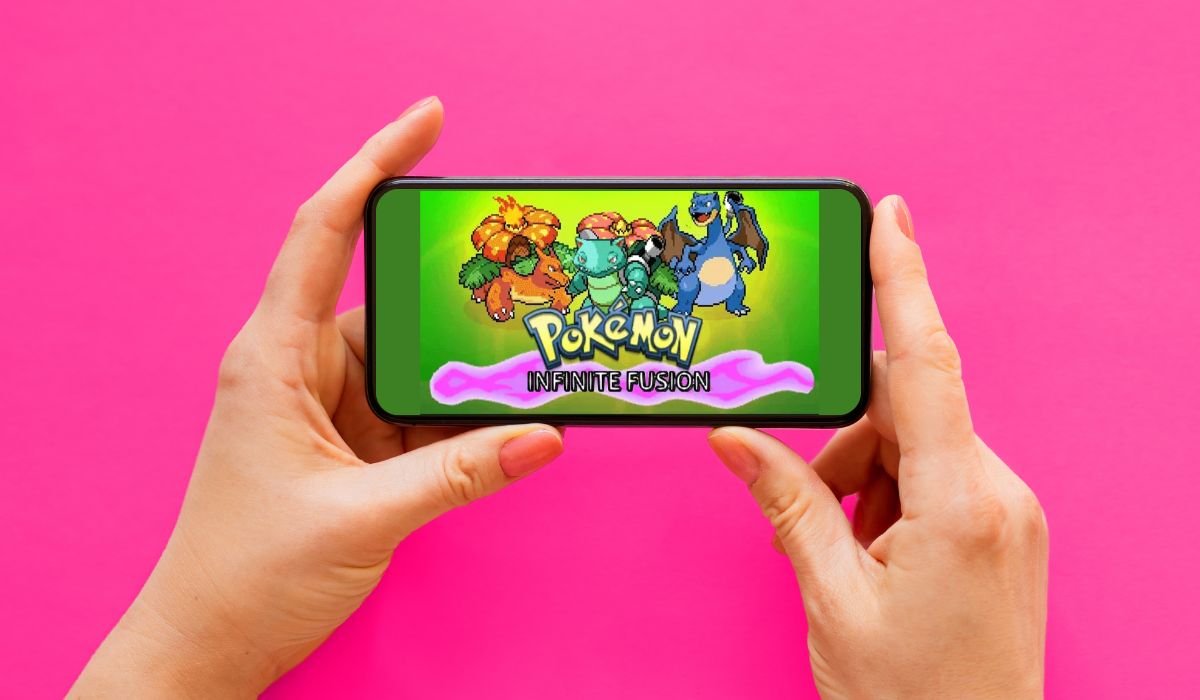
Pokémon Infinite Fusion brings a fresh twist to the beloved franchise, allowing trainers to combine their favorite pocket monsters into unique hybrids. This fan-made game has captured the hearts of Pokémon enthusiasts worldwide, and now Android users can join in on the fun. This guide will walk you through the process of getting Pokémon Infinite Fusion up and running on your Android device, along with tips to enhance your gameplay experience.
Key Takeaways
- Pokémon Infinite Fusion is a fan-made game that allows you to fuse different Pokémon species
- The game can be played on Android devices with the right setup
- You’ll need to download the game files and an emulator to play
- The fusion mechanic offers endless possibilities for creating unique Pokémon
- Regular updates keep the game fresh and exciting for players
Can I Play Pokémon Infinite Fusion on Android?
Yes, you can play Pokémon Infinite Fusion on Android. The game developers have created a mobile version specifically for Android devices. You can download it from the official website, install it on your smartphone or tablet, and enjoy the full Pokémon Infinite Fusion experience, including the innovative fusion mechanics and engaging storyline, on the go.
Understanding Pokémon Infinite Fusion
Pokémon Infinite Fusion is a fan-created game that takes the core elements of traditional Pokémon games and adds an exciting twist – the ability to fuse any two Pokémon together. This innovative mechanic opens up a world of possibilities, allowing players to create unique combinations and strategies.
System Requirements for Android
Before diving into the installation process, ensure your Android device meets these minimum requirements:
- Android version: 6.0 or higher
- RAM: 2GB or more
- Storage: At least 1GB of free space
- Processor: Quad-core 1.2 GHz or better
Downloading Pokémon Infinite Fusion for Android
To start your journey in the world of Pokémon Infinite Fusion, follow these steps:
- Visit the official Pokémon Infinite Fusion website
- Navigate to the downloads section
- Look for the Android version of the game
- Click the download link to start the process
Always ensure you’re downloading from the official source to avoid potential security risks or outdated versions.
Installation Process
Once you’ve downloaded the game files, it’s time to install:
- Locate the downloaded zip file in your device’s storage
- Use a file manager app to unzip the contents
- Navigate to the extracted folder
- Find the executable file (usually with a .exe extension)
- Tap on the file to run it and launch the game
If you encounter any issues during installation, check the game’s official forum or community pages for troubleshooting tips.
Exploring the Game’s Features
Pokémon Infinite Fusion offers a rich gaming experience with several exciting features:
Fusion Mechanic
The heart of the game lies in its fusion system. Here’s how it works:
- Select two Pokémon you want to combine
- Use the fusion feature to create a hybrid
- The resulting Pokémon will have a unique appearance and stat combination
- Experiment with different fusions to find powerful and interesting combinations
Expansive World
The game doesn’t skimp on content. Players can expect:
- Multiple regions to explore
- Diverse landscapes and environments
- Unique challenges in each area
- Hidden secrets and easter eggs
Engaging Storyline
While the fusion mechanic is the star, the game also offers a compelling narrative:
- Follow an original story set in the world of Pokémon
- Meet new characters and familiar faces
- Uncover the mysteries surrounding Pokémon fusion
Customization Options
Personalize your adventure with various customization features:
- Design your trainer avatar
- Choose from a wide range of clothing and accessories
- Customize your fused Pokémon’s appearance
Tips for New Players
As you start your Pokémon Infinite Fusion journey, keep these tips in mind:
- Experiment with different fusions to find powerful combinations
- Pay attention to type advantages when creating fusions
- Save your game regularly to avoid losing progress
- Explore thoroughly to find hidden items and rare Pokémon
- Join online communities to share strategies and discoveries
Community and Updates
Pokémon Infinite Fusion boasts a vibrant community of players and developers. This dedicated group constantly works to improve the game experience:
- Regular updates with new features and content
- Bug fixes and performance improvements
- Community-created mods and expansions
- Active forums for discussion and support
Stay connected with the community to get the most out of your Pokémon Infinite Fusion experience.
Troubleshooting Common Issues
- Game won’t launch: Check device compatibility, reinstall game
- Slow performance: Close background apps, restart device
- Game crashes: Update to latest version, check forums
- Save file corruption: Use backup feature regularly
- Graphics glitches: Lower in-game settings, update device drivers
- Sound issues: Check device volume, restart game
- Control problems: Recalibrate touch controls, use external controller
- Network errors: Check internet connection, firewall settings
- Battery drain: Reduce brightness, close unnecessary apps
Frequently Asked Questions (FAQ)
How to download Pokémon Infinite Fusion on Android?
Visit the official Pokémon Infinite Fusion website and navigate to the downloads section. Look for the Android version and click the download link. Once downloaded, use a file manager to extract the contents and run the executable file to start the game.
Does Pokémon Infinite Fusion have a mobile version?
Yes, Pokémon Infinite Fusion has a mobile version for Android devices. It offers the same fusion mechanics and gameplay features as the PC version, allowing you to enjoy the game on the go with your smartphone or tablet.
Is Pokémon Infinite Fusion free?
Yes, Pokémon Infinite Fusion is completely free to download and play. As a fan-made game, it’s distributed at no cost to the community. However, players are encouraged to support the developers through donations if they enjoy the game.
Is pokemon infinite fusion fun?
Many players find Pokémon Infinite Fusion extremely fun. The unique fusion mechanic adds a fresh twist to the familiar Pokémon formula, offering endless possibilities for creating new creatures. With an engaging storyline and multiple regions to explore, it provides hours of entertainment.
Is Pokemon infinite fusion gen 1 only?
No, Pokémon Infinite Fusion is not limited to Gen 1 only. While it includes all original 151 Pokémon, the game also features creatures from later generations. This diverse roster allows for an even greater variety of fusion combinations and gameplay options.


