

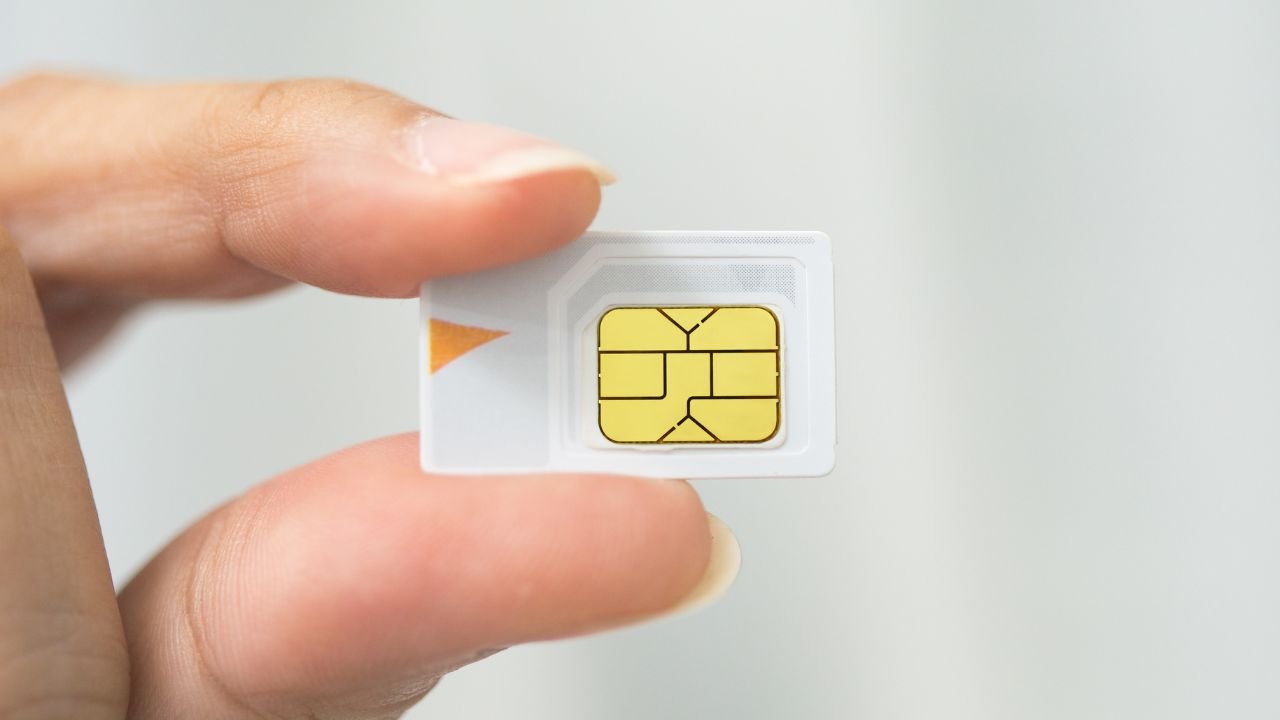
Knowing your SIM card number is crucial for various tasks, from activating a new phone to resolving network issues. Fortunately, Android devices make it easy to find this information. Simply navigate to your phone’s settings, select ‘About phone’ or ‘About device’, then tap on ‘Status’ or ‘Phone status’. Look for ‘SIM status’ or ‘SIM card status’, where you’ll find your SIM card number listed. Once located, you can copy or write down this important reference for future use.
Key Takeaways
- SIM numbers are also known as ICCIDs (Integrated Circuit Card Identifiers)
- Android devices offer multiple ways to find your SIM number
- The process may vary slightly depending on your Android version and device manufacturer
- Always keep your SIM number in a safe place for future reference
- Some newer Android devices use eSIMs, which have a digital SIM number
Understanding Your SIM Number
What is a SIM Number?
Your SIM (Subscriber Identity Module) number, also called ICCID (Integrated Circuit Card Identifier), is a unique 19 or 20-digit code assigned to your SIM card. This number is crucial for identifying your specific SIM card on mobile networks.
Why You Might Need Your SIM Number
- Activating a new phone
- Troubleshooting network issues
- Contacting customer support
- Switching mobile carriers
- Reporting a lost or stolen device
- Verifying your identity with your carrier
- Setting up certain apps or services
- Registering for mobile banking
- Purchasing a new phone plan
- Updating your account information
Methods to Find Your SIM Number on Android
Method 1: Using Phone Settings
This is the most straightforward method for most Android users:
- Open the Settings app on your Android device
- Scroll down and tap on “About phone” or “About device”
- Look for “Status” or “Phone identity” and tap on it
- Find “ICCID” or “SIM card number” in the list
Your SIM number should be displayed here. If you don’t see it, your device might use slightly different menu names. Try looking for “SIM status” or “SIM card status” instead.
Method 2: Dialing a USSD Code
A quick way to find your SIM number is by using a USSD code:
- Open your phone’s dialer app
- Type *#06#
- Press the call button
Your device will display a pop-up with your IMEI number and SIM card number (ICCID).
Method 3: Checking the Physical SIM Card
If the above methods don’t work, you can check the SIM card itself:
- Power off your Android device
- Locate the SIM card tray (usually on the side of the phone)
- Use the SIM ejector tool to remove the SIM card
- Look for a long number printed on the SIM card
This number is your ICCID or SIM number.
Method 4: Using Your Carrier’s App
Many mobile carriers now offer dedicated apps for account management:
- Download and install your carrier’s official app from the Google Play Store
- Log in to your account
- Look for a section about device or SIM information
Your SIM number should be listed in your account details.
Finding SIM Numbers on Dual-SIM Android Devices
If your Android device supports dual SIM cards, you’ll need to specify which SIM number you’re looking for:
- Follow Method 1 using phone settings
- In the “Status” or “SIM status” section, you should see separate entries for “SIM 1” and “SIM 2”
- Check the ICCID or SIM card number for each SIM slot
Locating eSIM Numbers on Android
Some newer Android devices use eSIMs (embedded SIMs) instead of physical SIM cards. To find an eSIM number:
- Go to Settings > Connections > SIM card manager
- Tap on the eSIM
- Look for “ICCID” or “eSIM info”
The process might vary slightly depending on your device manufacturer.
Tips for Managing Your SIM Number
Storing Your SIM Number Securely
Once you’ve found your SIM number, it’s a good idea to store it securely:
- Write it down and keep it in a safe place
- Save it in a password-protected note on your phone
- Use a secure password manager to store the number
When to Use Your SIM Number
Knowing when you might need your SIM number can help you be prepared:
- When contacting your mobile carrier for support
- If you’re switching to a new phone or carrier
- When setting up certain apps or services that require SIM verification
Protecting Your SIM Number
Your SIM number is sensitive information. Keep these safety tips in mind:
- Don’t share your SIM number publicly
- Be cautious when giving it out, even to those claiming to be from your carrier
- If you suspect your SIM has been compromised, contact your carrier immediately
Troubleshooting SIM Number Issues
SIM Number Not Showing in Settings
If you can’t find your SIM number in your phone’s settings:
- Ensure your SIM card is properly inserted
- Restart your device
- Check for any available system updates
- Contact your carrier if the problem persists
Incorrect SIM Number Displayed
If you believe the SIM number shown is incorrect:
- Double-check by using multiple methods listed above
- Verify the number with your carrier
- Consider replacing your SIM card if discrepancies continue
Frequently Asked Questions (FAQ)
How do I check my SIM card number?
To check your SIM card number, go to your Android phone’s Settings, tap “About phone,” then “Status” or “SIM status.” You’ll find your SIM number (ICCID) listed there. Alternatively, you can dial *#06# on your phone’s keypad to display the ICCID.
How to find SIM number details?
Find your SIM number details by accessing your phone’s Settings, selecting “About phone,” and tapping “Status” or “SIM status.” The ICCID (SIM number) will be displayed. You can also check the physical SIM card for the printed number or use your carrier’s mobile app.
How do I check my mobile number?
To check your mobile number, try calling or texting a friend. You can also check your phone settings under “About phone” or “SIM status.” Another method is to contact your mobile carrier’s customer service or check their official app for account information.
How do I find my SIM number on my Samsung?
On a Samsung device, open Settings, tap “About phone,” then “Status” or “Phone information.” Look for “ICCID” or “SIM card number.” You can also use the *#06# dial code or check the Samsung Members app for device information.
How do I know my own SIM number?
You can find your SIM number in your phone’s Settings under “About phone” and “SIM status.” Alternatively, dial *#06# to display the ICCID. Check your carrier’s mobile app or the physical SIM card for the printed number if other methods fail.
How do I see my phone number?
To see your phone number, check your device settings under “About phone” or “SIM status.” You can also dial your carrier’s customer service number or check their mobile app. Another option is to ask a friend to call you and check the caller ID.


