

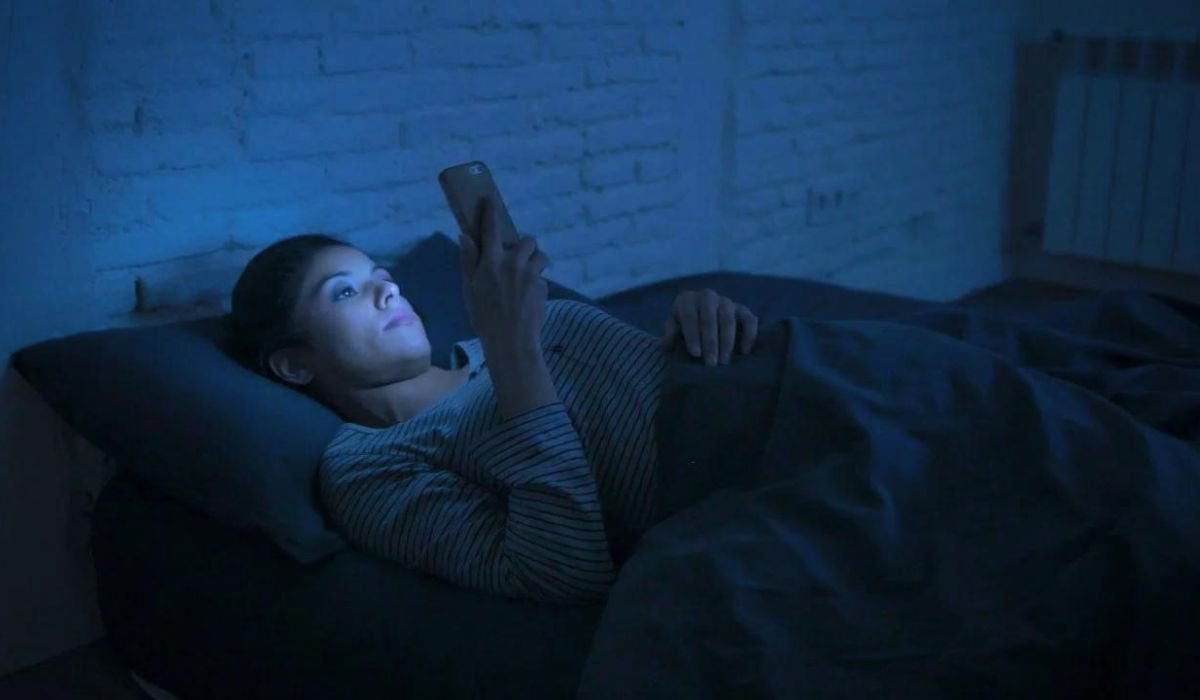
Blue light emitted by digital screens can impact sleep and eye health. Fortunately, Android devices come with built-in features to filter this light. To access these settings, navigate to Settings > Display and look for options like Night Light, Blue Light filter, or Eye comfort shield (on Samsung devices). While these filters are beneficial, you may occasionally need to turn them off.
Key Takeaways
- Blue light filters on Android are usually found in Display settings
- Most Android devices have built-in blue light filtering features
- Quick Settings provide a convenient way to toggle blue light filters
- Third-party apps offer additional blue light filtering options
- Reducing blue light exposure can improve sleep quality and eye comfort
Understanding Blue Light
Blue light is a high-energy visible light emitted by digital screens. While exposure to natural blue light during the day is beneficial, excessive exposure from devices can disrupt our circadian rhythm and cause eye strain.
Built-in Blue Light Features on Android
Most Android devices come with built-in blue light filtering features. These features may have different names depending on the manufacturer:
| Manufacturer | Feature Name |
|---|---|
| Night Light | |
| Samsung | Eye Comfort Shield |
| OnePlus | Reading Mode |
| Xiaomi | Reading Mode |
| Huawei | Eye Comfort |
To turn off the blue light filter:
- Open the Settings app on your Android device
- Tap on “Display”
- Look for the blue light filter option (e.g., Night Light, Eye Comfort Shield)
- Toggle the switch to turn it off
Using Quick Settings to Turn Off Blue Light
For faster access, you can use Quick Settings:
- Swipe down from the top of your screen to open the notification shade
- Swipe down again to expand Quick Settings
- Look for the blue light filter icon (often a moon or eye icon)
- Tap the icon to toggle the filter on or off
If you don’t see the blue light filter icon in Quick Settings:
- Tap the pencil icon or “Edit” button
- Find the blue light filter tile
- Drag it to your active Quick Settings tiles
Third-Party Apps for Blue Light Filtering
If your device doesn’t have a built-in blue light filter or you want more control, consider these third-party apps:
- Twilight
- Blue Light Filter – Night Mode
- f.lux
- Night Owl
To turn off blue light filtering in these apps, open the app and look for an on/off switch or toggle.
Benefits of Using a Blue Light Filter on Android
While this article focuses on turning off blue light filters, it’s worth noting their benefits:
- Improved sleep quality
- Reduced eye strain
- Decreased risk of digital eye fatigue
- Better nighttime reading experience
Consider using blue light filters in the evening and turning them off during the day for optimal benefits.
How Blue Light Affects Sleep Quality
Blue light suppresses melatonin production, the hormone responsible for regulating our sleep-wake cycle. By reducing blue light exposure in the evening, you can:
- Fall asleep faster
- Improve sleep quality
- Wake up feeling more refreshed
Can Blue Light Filters Improve Eye Health?
While research is ongoing, some studies suggest that blue light filters may:
- Reduce eye strain
- Decrease symptoms of digital eye fatigue
- Potentially lower the risk of age-related macular degeneration
However, it’s essential to consult with an eye care professional for personalized advice.
Differences Between Night Light and Blue Light Filter on Android
Some Android devices offer both Night Light and Blue Light Filter options:
- Night Light: Typically adjusts the screen to a warmer color temperature
- Blue Light Filter: Often allows more customization of the filter intensity and color
Check your device’s settings to see which options are available and experiment to find what works best for you.
Additional Tips for Reducing Blue Light Exposure
Besides using built-in features or apps, consider these tips:
- Adjust screen brightness: Lower brightness levels can reduce blue light emission
- Use dark mode: Many apps and Android systems offer dark mode, which can be easier on the eyes
- Take regular breaks: Follow the 20-20-20 rule (every 20 minutes, look at something 20 feet away for 20 seconds)
- Invest in blue light blocking glasses: These can be helpful if you spend long hours in front of screens
Troubleshooting Common Issues
If you’re having trouble turning off the blue light filter:
- Restart your device
- Check for system updates
- Clear the cache of the Settings app
- Perform a factory reset as a last resort (remember to back up your data first)
Frequently Asked Questions (FAQ)
How do I stop the blue light on Android?
To stop blue light on Android, go to Settings > Display. Look for Night Light, Blue Light Filter, or Eye Comfort Shield. Toggle the switch to turn it off. Alternatively, use Quick Settings by swiping down from the top of your screen and tapping the blue light filter icon.
How do I turn off blue light mode?
To turn off blue light mode, open your device’s Settings app. Navigate to Display settings and find the blue light filter option. Tap to disable it. You can also use Quick Settings for faster access. Some devices allow scheduling, so check if it’s set to turn on automatically.
What is the blue light filter on Android?
The blue light filter on Android is a built-in feature that reduces the amount of blue light emitted by your device’s screen. It works by shifting the display’s color temperature to warmer tones, which can help reduce eye strain and potentially improve sleep quality, especially when using your device at night.
Should I turn off blue light on my phone?
Whether to turn off blue light on your phone depends on your needs. During the day, it’s generally fine to keep it off for accurate color display. However, enabling it in the evening can help reduce eye strain and improve sleep. Experiment to find what works best for your comfort and routine.
Is blue light bad for sleep?
Blue light can disrupt sleep patterns by suppressing melatonin production, a hormone that regulates sleep-wake cycles. Exposure to blue light from screens in the evening may make it harder to fall asleep. However, natural blue light during the day is beneficial for alertness and mood regulation.
Does night mode reduce blue light?
Yes, night mode (also called dark mode) can help reduce blue light emission. It typically changes the display to darker colors, which naturally decreases blue light output. However, for more effective blue light reduction, use your device’s specific blue light filter feature in addition to night mode.


