

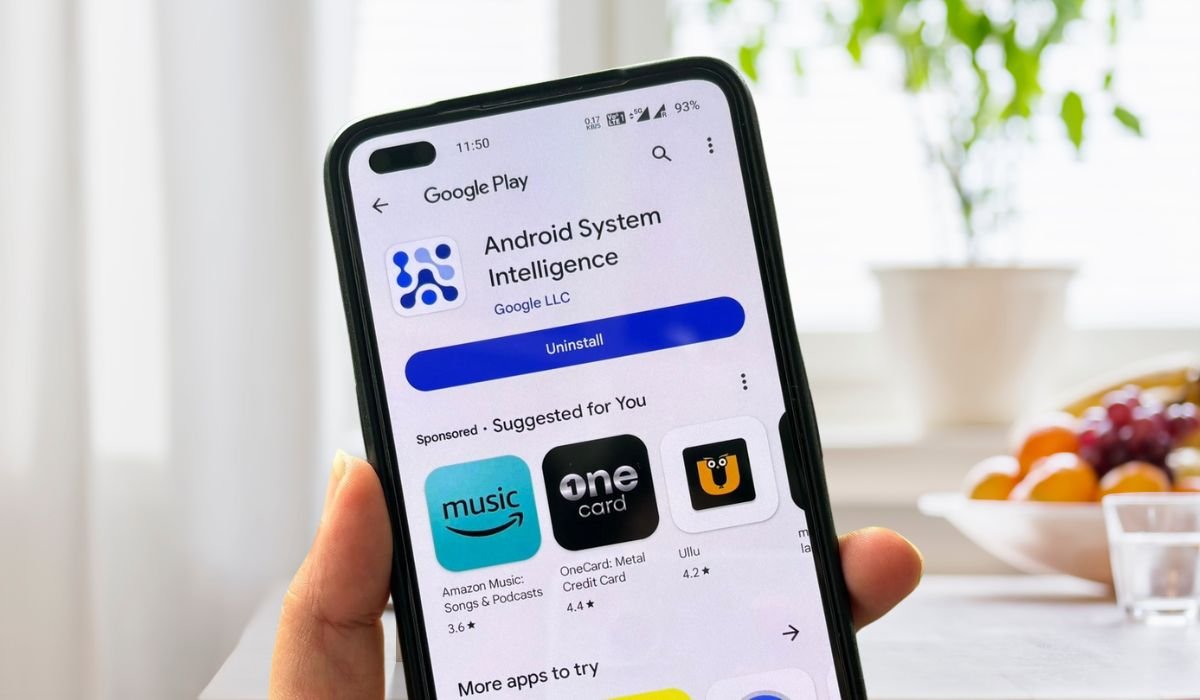
Android System Intelligence (ASI) is a core component of the Android operating system that enhances user experience by providing a range of intelligent features. It acts as the brain behind your device, adapting and personalizing your experience to help you get things done more efficiently. ASI operates primarily within the Private Compute Core, ensuring that user data remains private while enabling various smart functionalities.
Key Takeaways
- ASI is responsible for numerous smart features on Android devices
- It operates within the Private Compute Core to protect user privacy
- ASI adapts to user habits and preferences for a personalized experience
- The app can be disabled, but doing so will result in the loss of its features
- ASI is continually evolving with new capabilities in recent Android versions
Key Features of Android System Intelligence
Android System Intelligence offers a wide array of features that make your device smarter and more intuitive. Let’s explore some of the most notable functionalities:
1. Live Caption
Live Caption is a groundbreaking accessibility feature that automatically generates real-time captions for any media playing on your device. This includes videos, podcasts, and even phone calls. It’s particularly useful for users who are deaf or hard of hearing, as well as for those in noisy environments or situations where audio playback isn’t possible.
2. Live Translate
In our increasingly connected world, language barriers can be a significant hurdle. Live Translate addresses this by providing real-time translation for conversations and media content. This feature can translate spoken words, text in images, and even in-app content, making cross-language communication seamless.
3. Now Playing
Ever heard a song playing in the background and wondered what it was? Now Playing is ASI’s answer to this common query. Similar to apps like Shazam, it can identify music playing in your surroundings, displaying the song title and artist on your lock screen or in your notification panel.
4. Smart Auto-rotate
Smart Auto-rotate takes the traditional screen rotation feature to the next level. Instead of simply responding to the device’s orientation, it uses the front-facing camera to detect the position of your face. This ensures that the screen rotates only when you want it to, preventing unwanted rotations when you’re lying down, for example.
5. App Predictions
ASI learns from your usage patterns to predict which apps you’re likely to use next. This feature populates your app drawer with suggested apps based on time of day, location, and other contextual factors, saving you time and taps.
| Feature | Description | User Benefit |
|---|---|---|
| Screen Attention | Keeps the screen on while you’re looking at it | Prevents annoying screen timeouts during reading |
| Improved Copy and Paste | Streamlines text transfer between apps | Faster and more intuitive information sharing |
| Smart Text Selection | Enhances text selection with contextual actions | Quicker access to relevant functions (e.g., maps for addresses) |
Benefits of Android System Intelligence
The integration of ASI into Android devices brings numerous benefits to users:
Enhanced Productivity
By predicting your needs and automating routine tasks, ASI helps you work more efficiently. Features like Smart Text Selection and improved copy-paste functionality save time and reduce the number of steps needed to complete common actions.
Improved Accessibility
Live Caption and Live Translate break down barriers for users with hearing impairments or those navigating multilingual environments. These features make digital content more accessible to a broader audience.
Personalized Experience
As ASI learns from your usage patterns, it tailors your device’s behavior to your preferences. This personalization extends from app suggestions to screen rotation behavior, making your device feel uniquely yours.
Seamless Integration
Unlike third-party apps that may feel bolted on, ASI’s features are deeply integrated into the Android operating system. This results in a smoother, more cohesive user experience across different apps and system functions.
Privacy and Security Considerations
In an age where data privacy is paramount, Android System Intelligence takes a proactive approach to protecting user information:
Private Compute Core
ASI operates primarily within the Private Compute Core, a secure environment isolated from the rest of the operating system. This design ensures that sensitive data processing occurs locally on the device, without direct network access.
User Control
Users have granular control over ASI’s features and data usage. Through the device’s privacy settings, you can enable or disable specific functionalities and manage data collection preferences.
Permission-Based Access
ASI requires explicit permissions to access certain types of data, such as contacts or location information. This transparent approach allows users to make informed decisions about what information they’re comfortable sharing.
The Future of Android System Intelligence
Android System Intelligence is poised for exciting developments:
Enhanced AI Integration
With advancements in artificial intelligence, we can expect ASI to become even smarter. Future updates may include:
- More accurate predictions of user behavior
- Advanced natural language processing for better voice interactions
- Improved on-device machine learning capabilities
Expanded Feature Set
Google continually adds new features to ASI. Potential additions might include:
- Advanced power management for improved battery life
- More sophisticated content recommendations
- Enhanced integration with other Google services
Cross-Device Functionality
As the Android ecosystem grows, ASI could expand its reach:
- Seamless integration between phones, tablets, and wearables
- Intelligent features for smart home devices
- Personalized experiences across all your Android devices
Privacy Enhancements
With growing concerns about data privacy, future ASI updates will likely focus on:
- More transparent data usage policies
- Enhanced on-device processing to minimize data sharing
- Improved user controls for privacy settings
Conclusion
Android System Intelligence represents a significant leap forward in smartphone technology. By bringing intelligent, context-aware features to Android devices, it transforms the way we interact with our phones and tablets.
The power of ASI lies in its ability to learn and adapt to individual users, creating a truly personalized mobile experience. From automating routine tasks to breaking down language barriers, ASI makes Android devices more intuitive and accessible.
As we continue through 2024, we can expect Android System Intelligence to evolve, bringing even more innovative features while maintaining a strong commitment to user privacy and security. Whether you’re a tech enthusiast or a casual smartphone user, ASI’s ongoing development promises to make your Android experience smarter, more efficient, and more enjoyable than ever before.
Frequently Asked Questions (FAQ)
Should I disable Android system intelligence?
Disabling Android System Intelligence isn’t recommended unless you’re experiencing issues. Doing so will remove smart features like Live Caption and Now Playing. If you’re concerned about privacy, consider adjusting individual permissions instead of disabling the entire app.
Should I allow Android system intelligence?
Allowing Android System Intelligence enhances your device’s functionality. It enables features like smart text selection, app predictions, and live captions. These features can improve your productivity and overall user experience. If privacy is a concern, you can customize permissions in your settings.
Can I clear data in Android system intelligence?
Yes, you can clear data in Android System Intelligence. Go to Settings > Apps > Android System Intelligence > Storage > Clear Data. However, this will reset your personalized settings and learned patterns. Only do this if you’re troubleshooting issues or want a fresh start.
Why does Android system intelligence need to know my location?
Android System Intelligence uses location data to provide context-aware features. For example, it might suggest apps based on your location or optimize device settings. Location access is optional, and you can control it in your privacy settings.
What is Android intelligence used for?
Android Intelligence powers various smart features on your device. It enables Live Caption, Smart Reply in notifications, Now Playing for music recognition, and app predictions. It also enhances text selection, improves battery life, and personalizes your overall Android experience.
Should I restrict the Android system?
Restricting the Android system isn’t generally recommended unless you have specific privacy concerns or are experiencing issues. Doing so may limit functionality and prevent important updates. Instead, consider adjusting individual app permissions or using built-in privacy controls for a balanced approach.


