

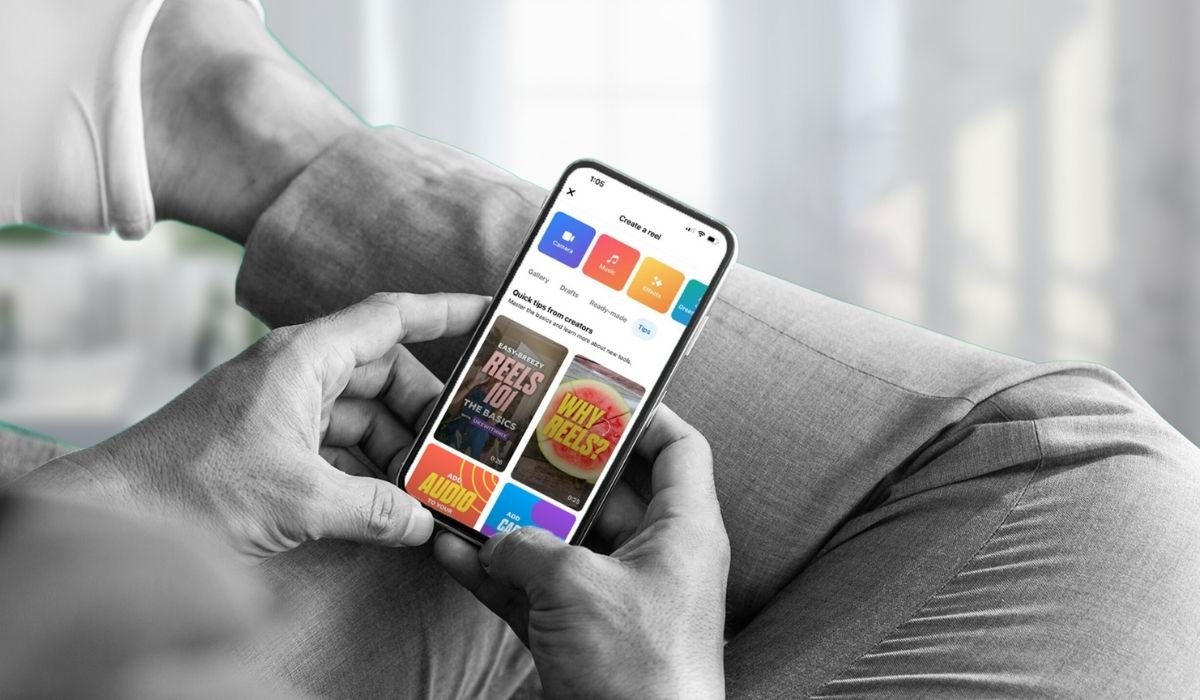
Social media platforms like Facebook have transformed the way we connect, share, and engage with content online. One of the newer additions to Facebook’s suite of features is Reels, a format that allows users to create and share short, engaging videos. As with any social media feature, understanding privacy settings is crucial. In this article, we’ll explore who can see your Reels on Facebook, how you can control this visibility, and the implications of your privacy choices.
Facebook Reels
Facebook Reels offers a dynamic way for users to create and share video content that is both entertaining and engaging. Originally inspired by the popularity of short video formats on platforms like TikTok, Reels has quickly become a central part of the Facebook experience. These videos can be up to 60 seconds long and can be enhanced with various creative tools such as AR effects, music, and more.
Default Privacy Settings
By default, Facebook Reels are public. This setting means that anyone who is over the age of 18 can view your Reels. The public nature of these Reels is designed to maximize engagement and reach, making it easier for creators to grow their audience and for viewers to discover new content.
Customizing Your Reel’s Visibility
Although the default setting is public, Facebook provides flexibility for users who prefer more control over who sees their content. Here are the options available:
- Public: As mentioned, this setting allows anyone on or off Facebook to view your Reels.
- Friends: You can choose to make your Reels visible only to people you are connected with as friends on Facebook. This setting ensures that your content is shared only within your personal network.
- Only Me: If you select this option, no one else but you can view the Reel. This might be useful for those who are using Reels to create and save drafts or for personal records.
- Custom: Facebook also allows you to selectively share Reels with specific people or lists. This is particularly useful if you want to target content to certain groups without making it entirely public or restricted to just your friends.
How to Adjust Privacy Settings for Reels
Changing the privacy settings of your Facebook Reels is a straightforward process. When you create a Reel, you’ll see an option for “Privacy” before you post. Here, you can choose who you want to be able to see your Reel. You can change the settings for each Reel you post, which provides flexibility and control over your content distribution.
Visibility in the News Feed and Reels Section
When you post a Reel, it appears in a few critical areas:
- News Feed: Your Reel can appear in the News Feeds of your followers, providing immediate and prominent visibility among your immediate network.
- Dedicated Reels Section: This is a space on Facebook specifically for Reels, where users can discover content from both people they follow and those they do not. Even if someone isn’t your follower, if your Reel is public, it can appear in this section.
Implications of Your Privacy Choices
The privacy settings you choose can have significant implications:
- Engagement: Public Reels tend to receive more engagement because they are accessible to a wider audience. If your goal is to increase visibility and engage with a broader audience, keeping your Reels public is advisable.
- Privacy and Security: If you are concerned about privacy, adjusting your settings to Friends or Only Me can provide peace of mind. It’s essential to consider what you are sharing and the potential impacts of that content being public.
- Content Strategy: For content creators, understanding these settings is crucial to developing a strategy that aligns with their goals. Whether it’s building a following, sharing with friends, or keeping things private, the control is in your hands.
Conclusion
Facebook Reels is a powerful tool for expression and connection in the digital world. By understanding and effectively managing your privacy settings, you can tailor your experience and control who sees your content. Whether you’re looking to reach a large audience or share moments privately with friends, Facebook provides the flexibility to meet your needs.
Through strategic use of privacy settings, you can harness the power of Facebook Reels to connect and engage with your audience on your terms, ensuring that your digital presence aligns with your personal or professional goals.
Frequently Asked Questions (FAQ)
Can everyone see your Reels on Facebook?
Yes, everyone over 18 can see your Facebook Reels unless you change the privacy settings to restrict access to friends or just for yourself.
Can you see who views your Facebook Reels?
Facebook does not currently provide a feature to see exactly who has viewed your Reels. You can see likes and comments, but not viewers.
How do I get people to see my Reels on Facebook?
To increase visibility, set your Reels to public, use engaging captions, and include trending music or hashtags. Sharing your Reels to your News Feed and groups can also boost views.
Can everyone see your reel on Facebook?
Yes, if your reel is set to public, it can be viewed by anyone on Facebook. You can alter this by adjusting the privacy settings before posting.
Can everyone see your reels?
If your reels are public, they are visible to all Facebook users. Adjusting the privacy settings can limit this to just your friends or solely for your personal viewing.
Who can see my Facebook saved Reels?
Only you can see your saved Reels. These are private and not visible to other users, providing a way to keep your favorite content for personal use without sharing it publicly.


