

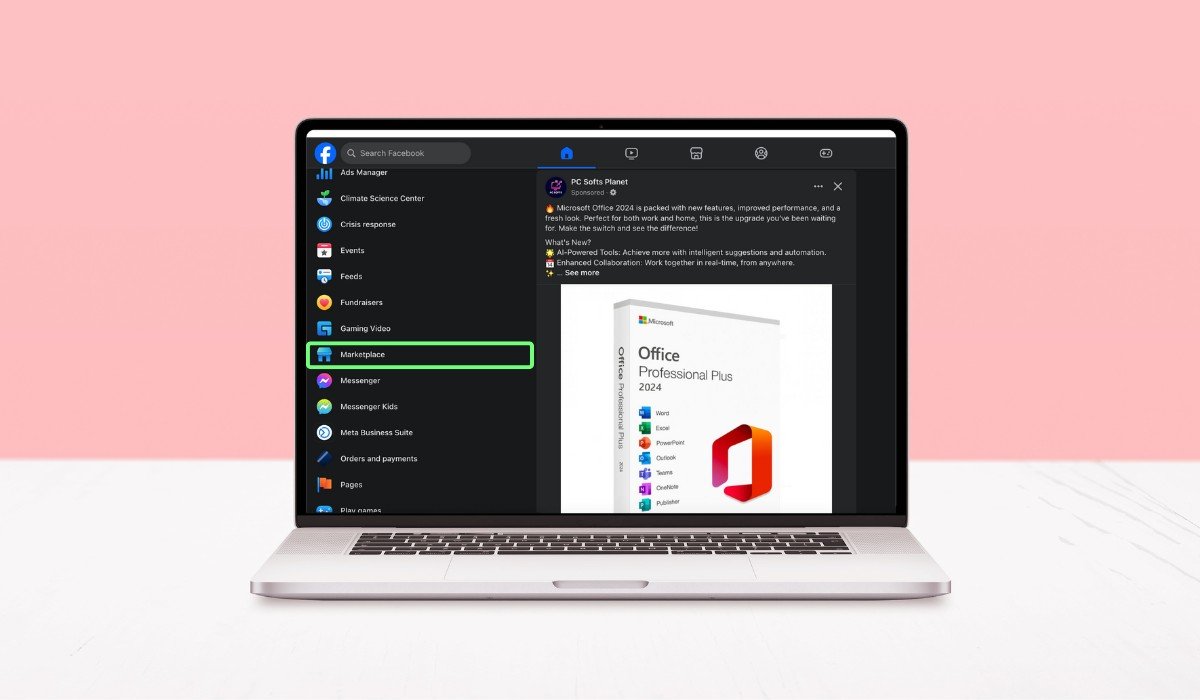
Have you ever found a great deal on Facebook Marketplace and wanted to check the seller’s profile before making a purchase? It’s a common scenario, especially when you’re about to buy something valuable or meet a stranger.
Finding someone’s Facebook Marketplace profile can give you insights into who they are. It helps in ensuring that the seller is trustworthy and legit. Whether you’re looking to verify their identity, see mutual friends, or just get a feel for their online presence, knowing how to locate their profile is crucial.
In this article, you’ll learn how to find a seller’s Facebook Marketplace profile step by step. We’ll cover why it’s important, the different methods to locate their profile, and what to do if you can’t find the information you need.
Key Takeaways
- Clicking on the seller’s name or profile picture from a listing is the quickest way to find their Facebook Marketplace profile.
- Searching for the seller’s name on Facebook or using Messenger can provide additional access to their profile information.
- Mutual friends and connections can be valuable resources for verifying a seller’s credibility.
- Always respect privacy settings and use the information you find responsibly to ensure a safe transaction.
Understanding Facebook Marketplace Profiles
A Facebook Marketplace profile is a snapshot of someone’s activity on Facebook Marketplace. It’s linked to their regular Facebook profile but is tailored to their buying and selling activities. When you click on a seller’s name in a listing, you’re directed to this Marketplace profile, where you can see their other listings and sometimes their ratings and reviews.
Unlike a regular Facebook profile, which showcases a person’s posts, photos, and friends, a Marketplace profile focuses on transactions. It’s designed to give potential buyers a quick view of the seller’s credibility and past activities without exposing too much personal information.
Why would you want to find someone’s profile? There are several reasons:
- Verifying Seller Credibility: Before making a purchase, especially for higher-value items, you might want to ensure the seller is genuine.
- Checking Mutual Friends: Seeing mutual connections can help build trust, making you feel more comfortable with the transaction.
- Viewing Other Listings: If you’re interested in a seller’s other items, their profile is the quickest way to browse everything they’re offering.
Steps to Find Someone’s Facebook Marketplace Profile
1. Directly From the Listing
The simplest way to find a seller’s Facebook Marketplace profile is by clicking on their name or profile picture directly from the listing. When you view an item, you’ll see the seller’s name near the top. Clicking on it will take you to their Marketplace profile, where you can explore their other listings, see reviews, and get a sense of their selling history.
2. Through Facebook Search
If you know the seller’s name, you can use the Facebook search bar to find their profile. Type in their name and browse through the results. Look for profiles with the same name and cross-check with the seller’s location or profile picture. This method works best if the seller’s privacy settings are not too strict.
3. Using Facebook Messenger
If you’ve already communicated with the seller via Facebook Messenger, you can access their profile through the chat. Click on the seller’s name at the top of the Messenger chat window, and it will direct you to their profile. This is a quick way to view their information, especially if you’ve been in contact about the sale.
4. Mutual Friends and Networks
Sometimes, you might have mutual friends with the seller. If the seller’s profile isn’t public, you can check your network to see if anyone you know is connected to them. This can give you more information and even a potential reference for the seller’s trustworthiness.
5. Marketplace Activity and Reviews
Facebook Marketplace often shows a seller’s past activity and reviews on their profile. This section is crucial for assessing their credibility. You can see how long they’ve been selling, what other buyers have said about them, and if they have a consistent history of positive transactions. This information helps you make an informed decision before committing to a purchase.
Here’s a concise table outlining the steps to find someone’s Facebook Marketplace profile:
| Step | Description |
|---|---|
| 1 | Click on the seller’s name or profile picture in the Marketplace listing to view their profile. |
| 2 | Search for the seller’s name on Facebook and check the results for matching profiles. |
| 3 | Access the seller’s profile through your chat history by clicking on their name in Messenger. |
| 4 | Leverage mutual connections to find or verify the seller’s profile. |
| 5 | Check the seller’s profile for past activity and reviews to assess their credibility. |
Alternatives to Finding a Marketplace Profile
Using Public Listings
If you’re unable to find the seller’s profile directly on Facebook Marketplace, another option is to look for their public listings on Facebook groups or other online marketplaces. Many sellers post the same items across multiple platforms to reach a wider audience. By searching for the item in relevant Facebook buy/sell groups or other marketplaces like Craigslist, you might stumble upon the same seller and gather more information about them from their other listings.
Checking with Mutual Connections
Sometimes, you might find that you have mutual connections with the seller. If you’re having trouble accessing their profile or want to verify their credibility, reaching out to these mutual connections can be helpful. Ask if they know the seller personally or have had any dealings with them. This can give you peace of mind and additional insights before making a purchase.
Privacy Considerations
Privacy Settings
A seller’s privacy settings on Facebook can significantly limit what you can see on their profile. Some users choose to keep their profiles private, meaning only certain information is visible to the public or those who aren’t on their friends list. This might restrict your access to their full name, friends list, posts, and other personal details. When a profile is locked down like this, you may only see the seller’s Marketplace activity and possibly a profile picture, depending on their settings.
Respecting Privacy
While it can be tempting to dig deeper into someone’s profile, it’s crucial to respect their privacy. The information you find should be used responsibly, mainly to verify the seller’s credibility or to feel more secure about a transaction. Under no circumstances should the information be used for harassment, stalking, or any form of invasion of privacy. Remember, everyone has the right to control how much of their personal information is shared online, and it’s important to uphold that respect in all interactions.
What to Do If You Can’t Find the Profile
Communicate with the Seller
If you’re unable to find the seller’s profile, your first step should be to communicate directly with the seller. Ask them any questions you might have about the item or their credibility. A trustworthy seller will usually be open to providing additional information or reassuring you about the transaction. This can help bridge the gap if you can’t access their profile.
Use Facebook’s Report Feature
If something feels off and you suspect the seller might not be legitimate, it’s important to use Facebook’s report feature. Reporting the listing or the seller’s profile helps keep the platform safe for everyone. Facebook will review the report and take appropriate action if necessary. This feature is especially useful if you come across suspicious behavior or if the seller is unresponsive to your inquiries.
Conclusion
Finding someone’s Facebook Marketplace profile can be a valuable step in ensuring a safe and smooth transaction. You can do this by clicking on the seller’s name directly from the listing, searching their name on Facebook, using Messenger, or even leveraging mutual connections. If these methods don’t work, consider exploring public listings or reaching out to mutual connections for more information. Always keep in mind the seller’s privacy settings and respect their personal space.
These tips are designed to help you navigate Facebook Marketplace safely. Whether you’re buying or selling, prioritizing safety is key. Use these strategies responsibly, and always be mindful of privacy—both yours and others’.
Have you had any interesting experiences finding a seller’s profile on Facebook Marketplace? Share your tips or stories in the comments below. And if you found this article helpful, feel free to share it with others who might benefit from these insights!
Frequently Asked Questions
Can you look up someone’s Facebook Marketplace profile?
Yes, you can look up someone’s Facebook Marketplace profile by clicking on their name or profile picture in a listing. You can also search for their name on Facebook or access their profile through Messenger if you’ve communicated with them.
How do I find a particular seller on Facebook Marketplace?
To find a particular seller, click on their name or profile picture in one of their listings. You can also search for their name on Facebook or use any previous communication in Messenger to access their profile.
How to find a buyer on Facebook Marketplace?
Finding a buyer on Facebook Marketplace can be done through your chat history in Messenger. By clicking on the buyer’s name in the conversation, you’ll be directed to their profile, where you can view more information.
How do I see what someone has sold on Facebook Marketplace?
To see what someone has sold on Facebook Marketplace, visit their Marketplace profile by clicking their name or profile picture in a listing. If available, you’ll see a list of their past and current listings, including sold items.
Can you access Facebook Marketplace without a profile?
No, you need a Facebook profile to access Marketplace. Facebook requires users to have an active account to browse, buy, or sell items on Marketplace, ensuring accountability and safety in transactions.
Can anyone see Facebook Marketplace?
Yes, anyone with a Facebook profile can access and see listings on Facebook Marketplace. However, the visibility of a user’s profile or specific listings may depend on individual privacy settings.
How do I follow someone on Facebook Marketplace?
To follow someone on Facebook Marketplace, go to their profile by clicking on their name in a listing. From there, you can choose to follow them if that option is available, allowing you to see their future listings.


