


Android app development involves creating applications for devices powered by Google’s Android operating system. With billions of users worldwide, Android apps have become a crucial part of everyday life.
Understanding the development process helps businesses create apps that stand out. For developers, knowing each step ensures efficient, high-quality app production.
Key Takeaways
- The Android app development process follows a structured approach, from ideation to post-launch maintenance, ensuring high-quality and user-friendly apps.
- Choosing the right tech stack, including platforms like Android Studio and languages like Kotlin, is crucial for building a scalable and efficient app.
- Testing and quality assurance are essential for ensuring the app functions smoothly across various devices and scenarios.
- Future trends in Android development such as AI, IoT, and AR/VR will continue to push the boundaries of what Android apps can achieve.
Android App Development Process
Here’s a summary of the Android App Development Process in a table format:
| Stage | Key Points |
|---|---|
| 1. Ideation and Research | Define app idea, conduct market research, and set SMART goals. |
| 2. Wireframing and Prototyping | Create wireframes, focus on UX, use tools like Figma, gather feedback. |
| 3. Choosing Tech Stack | Select Android Studio, Kotlin/Java, essential libraries, and architecture. |
| 4. Front-End Development | Design UI, ensure responsive layouts, optimize Material Design elements. |
| 5. Back-End Development | Set up databases, APIs, integrate Firebase, prioritize security. |
| 6. Testing and QA | Perform unit, integration, UI testing, and fix bugs using Android Studio. |
| 7. Deployment | Ensure Google Play guidelines, create developer account, optimize ASO, launch. |
| 8. Post-Launch Maintenance | Gather user feedback, roll out updates, track metrics with Firebase/Analytics. |
1. Ideation and Research
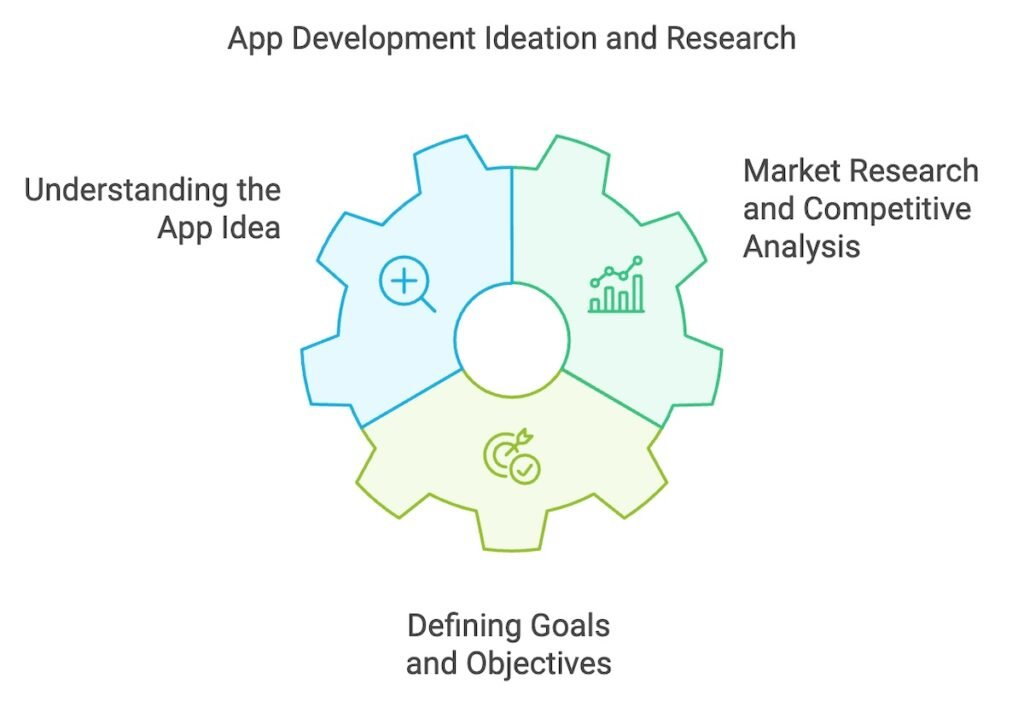
Understanding the App Idea is the foundation of successful Android app development. It’s crucial to have a clear concept that aligns with a specific purpose or solves a problem.
Key questions to ask include: What problem does the app solve? and Who is the target audience? Identifying these early ensures the app meets user needs.
Market Research helps you see if similar apps exist. Analyze their features, strengths, and weaknesses to discover how your app can stand out.
Setting SMART goals is essential to keep the project on track. Goals should be Specific, Measurable, Achievable, Relevant, and Time-bound to ensure progress and success.
2. Wireframing and Prototyping
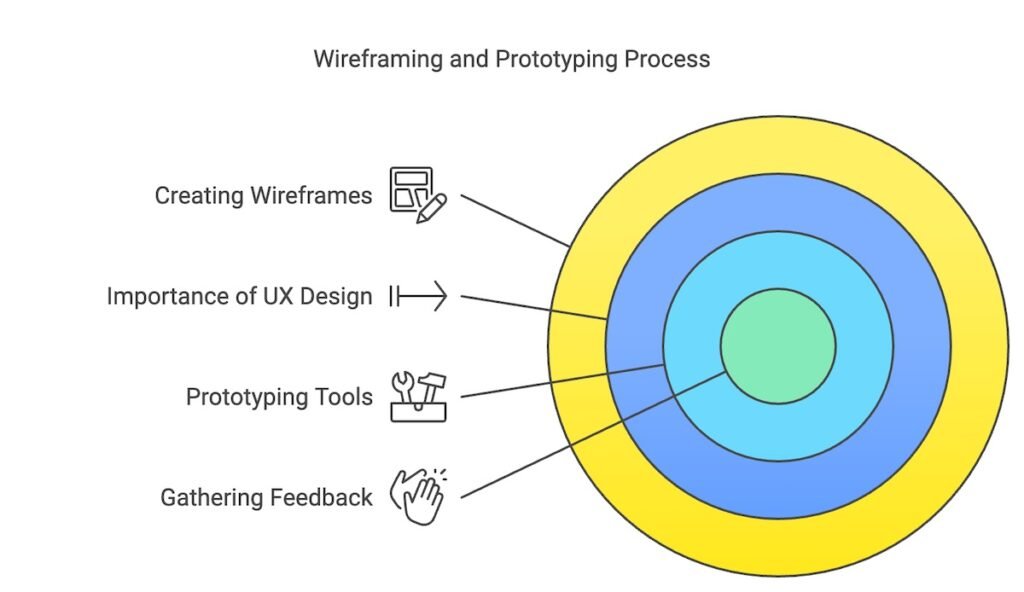
Creating wireframes is the first step in bringing the app’s idea to life. It involves sketching the app’s user interface (UI) to visualize its structure and navigation flow.
A strong User Experience (UX) design is essential for ensuring a user-friendly interface. Smooth navigation and intuitive design keep users engaged and satisfied.
Prototyping tools like Figma, Sketch, and Adobe XD are great for building interactive prototypes. These tools allow developers to test the design before writing code.
Gathering feedback from stakeholders early in the process helps identify areas for improvement. Adjustments made at this stage ensure a smoother development phase.
3. Choosing the Right Tech Stack
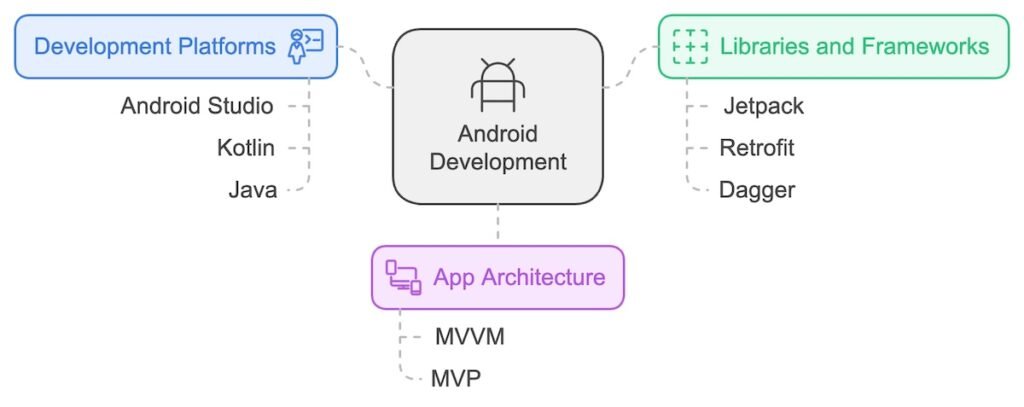
Android development platforms like Android Studio provide the environment to build and test apps. Developers typically use Kotlin or Java as the primary programming languages.
Choosing the right libraries and frameworks is crucial. Libraries like Jetpack, Retrofit, and Dagger simplify development by offering ready-made solutions for common tasks.
Selecting the right app architecture ensures scalability and maintainability. Patterns like MVVM or MVP help in organizing the code better, making it easier to manage and update the app over time.
4. Front-End Development (UI/UX Development)
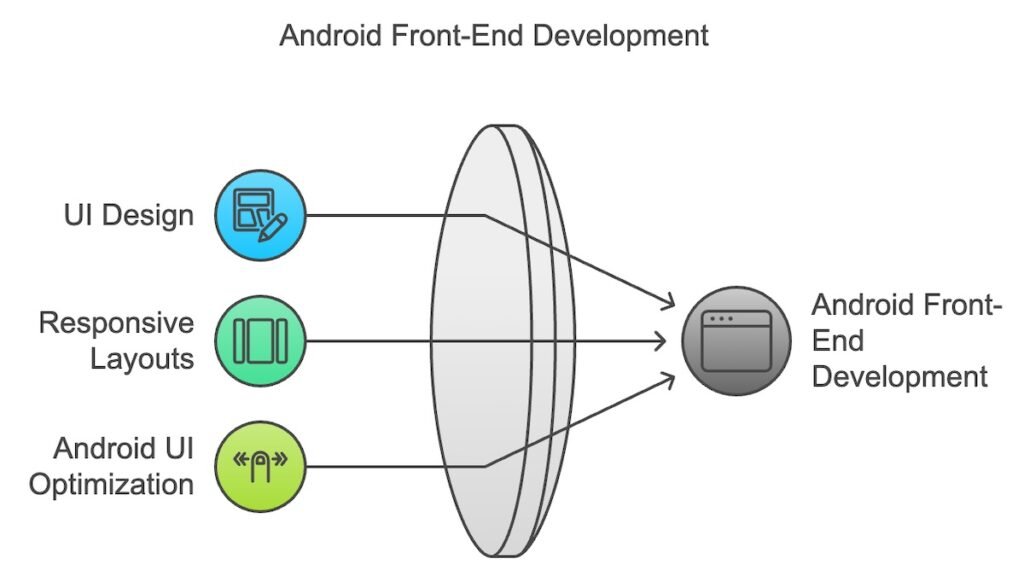
Designing the User Interface (UI) involves translating wireframes into a visually appealing and functional app. Using XML and following Android Design Guidelines ensures consistency and user satisfaction.
Implementing responsive layouts is essential for creating an app that works smoothly across various devices. This ensures the app looks and functions well on all screen sizes.
Optimizing for Android UI components like Material Design, gestures, and notifications enhances the user experience. Proper handling of these elements makes the app feel polished and intuitive.
5. Back-End Development (Server, Database, APIs)
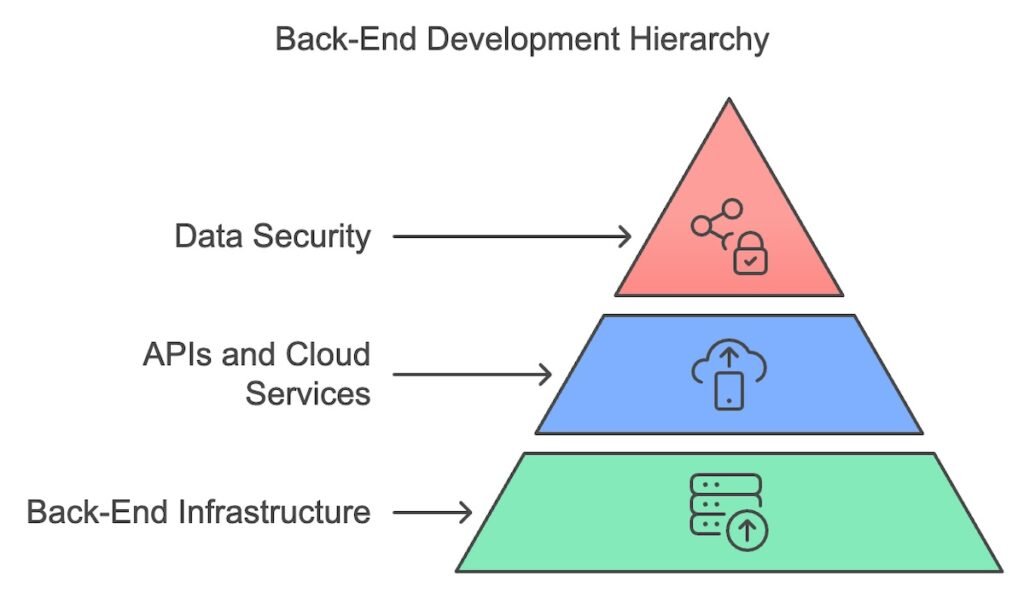
Setting up the back-end infrastructure involves configuring databases, servers, and APIs to manage the app’s data efficiently. This ensures smooth data handling between the app and the server.
Integrating APIs and cloud services, like Firebase, allows developers to add features like real-time databases, notifications, and user authentication with ease.
Data security and encryption are vital for protecting sensitive user information. Following best practices, such as encrypting data and using secure protocols, ensures the app is safe from potential threats.
6. Testing and Quality Assurance (QA)
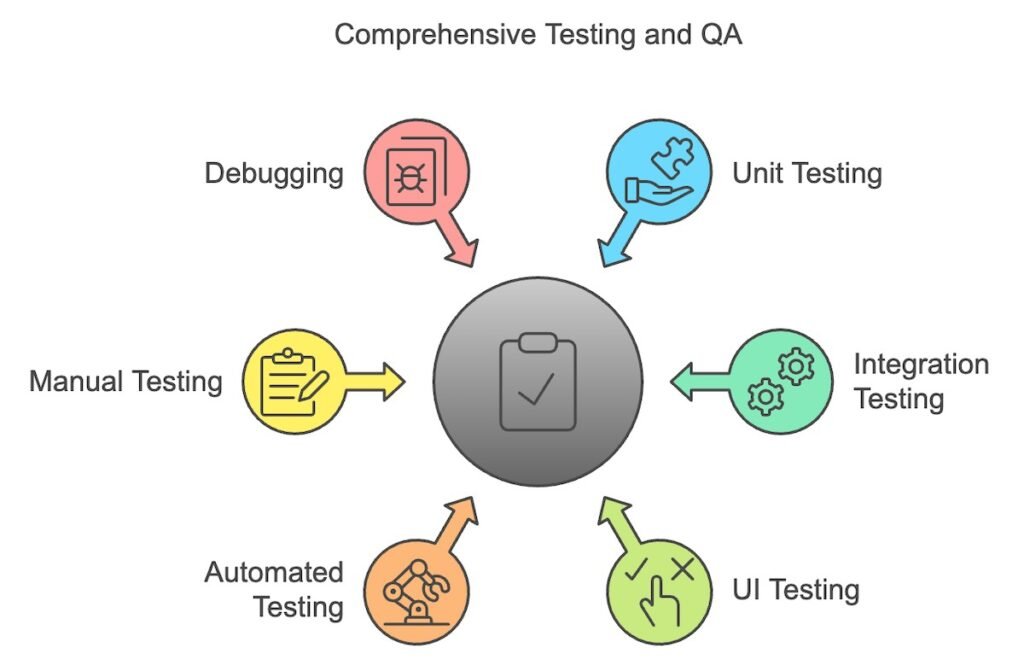
Types of testing include unit testing, integration testing, and UI testing, each serving a specific purpose. These ensure that the app functions as expected across different components and interactions.
Automated vs. manual testing: Tools like Espresso enable efficient automated testing, speeding up the process. However, manual testing is still essential for catching edge cases and more complex bugs.
Fixing bugs and debugging are critical steps. Using Android Studio’s debugger helps developers identify issues quickly and resolve them to ensure a smooth app experience.
7. Deployment to Google Play Store
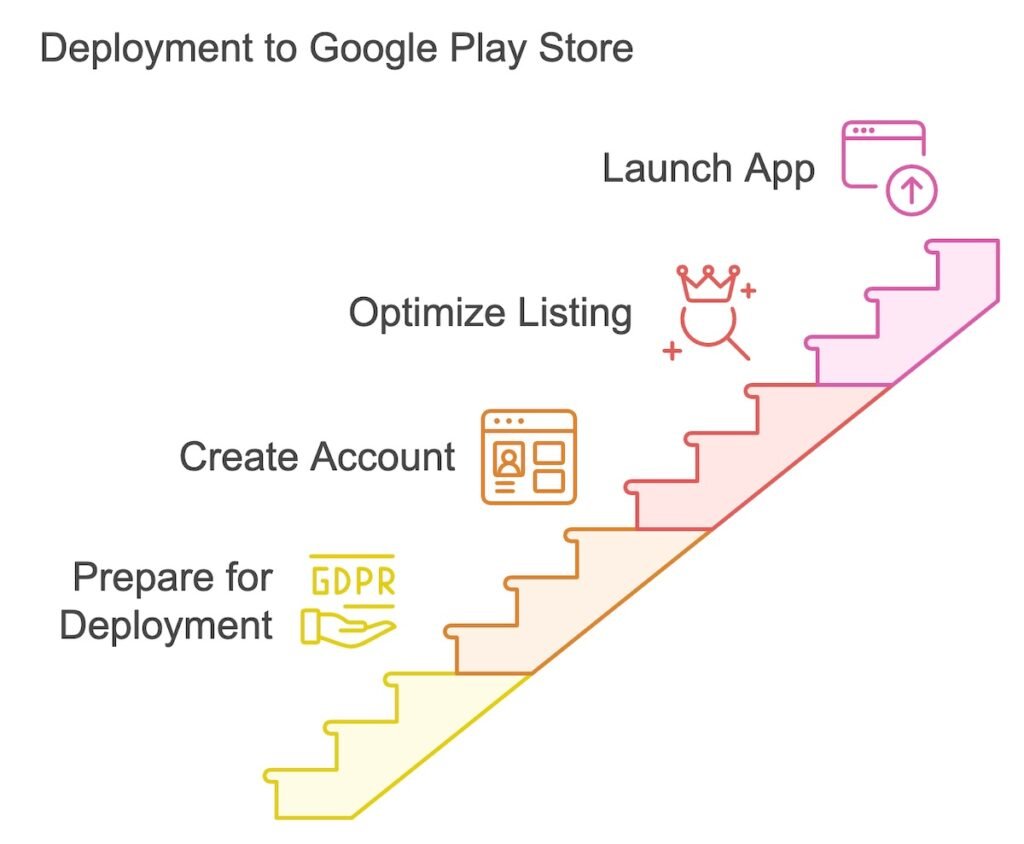
Preparing for deployment involves ensuring the app complies with Google Play’s guidelines and technical requirements. This step is crucial for a successful submission.
Creating a Developer Account is the first step. Sign up for a Google Play Developer account, which allows you to upload and manage your apps.
App Store Optimization (ASO) helps improve visibility. Optimize the app’s title, description, and keywords to rank higher in Play Store search results.
Launching the app means uploading the APK and releasing it to the Play Store for users to download and install.
8. Post-Launch: Maintenance and Updates
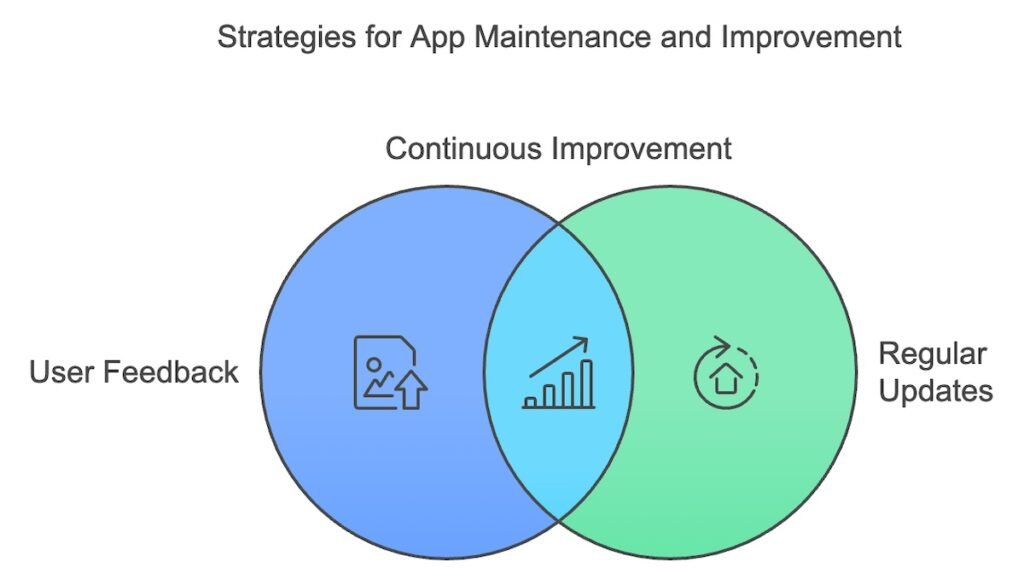
Gathering user feedback is essential after launch. Encourage users to leave reviews and provide feedback to guide future updates and improvements.
Regular updates and bug fixes are crucial for maintaining app performance. Continuously fix bugs, introduce new features, and ensure the app stays relevant.
Monitoring performance metrics using tools like Firebase and Google Analytics helps track app usage, crashes, and other key performance indicators (KPIs). This data is vital for making informed decisions on updates.
Conclusion
The Android app development process involves several key stages, from ideation and research to deployment and post-launch maintenance. Each step, from wireframing and choosing the tech stack to testing and gathering feedback, is essential for creating a successful app.
Following a structured process ensures the app is high-quality, scalable, and user-friendly. This approach helps avoid issues and creates a seamless user experience.
Looking ahead, technologies like AI integration, IoT, and AR/VR are expected to play a significant role in shaping the future of Android app development, opening up exciting new possibilities.
FAQs
1. What is the Android app development process?
The Android app development process involves several stages: ideation, wireframing, selecting the tech stack, front-end and back-end development, testing, deployment, and post-launch maintenance.
2. Which programming languages are commonly used for Android app development?
Android apps are primarily built using Kotlin and Java, both supported by Android Studio.
3. Why is market research important in the Android app development process?
Market research helps you understand your target audience, identify competitors, and differentiate your app from existing solutions.
4. What tools are used for wireframing and prototyping Android apps?
Popular tools include Figma, Sketch, and Adobe XD, which allow developers to create interactive prototypes for testing.
5. How can I optimize my app for the Google Play Store?
App Store Optimization (ASO) involves optimizing your app’s title, description, and keywords to improve visibility in Play Store search results.
6. Why is testing crucial for Android app development?
Testing ensures that your app functions properly across various devices and scenarios, improving stability and user experience.
7. What are some future trends in Android app development?
Technologies like AI integration, IoT, and AR/VR are expected to shape the future of Android apps, offering more innovative features and experiences.


