

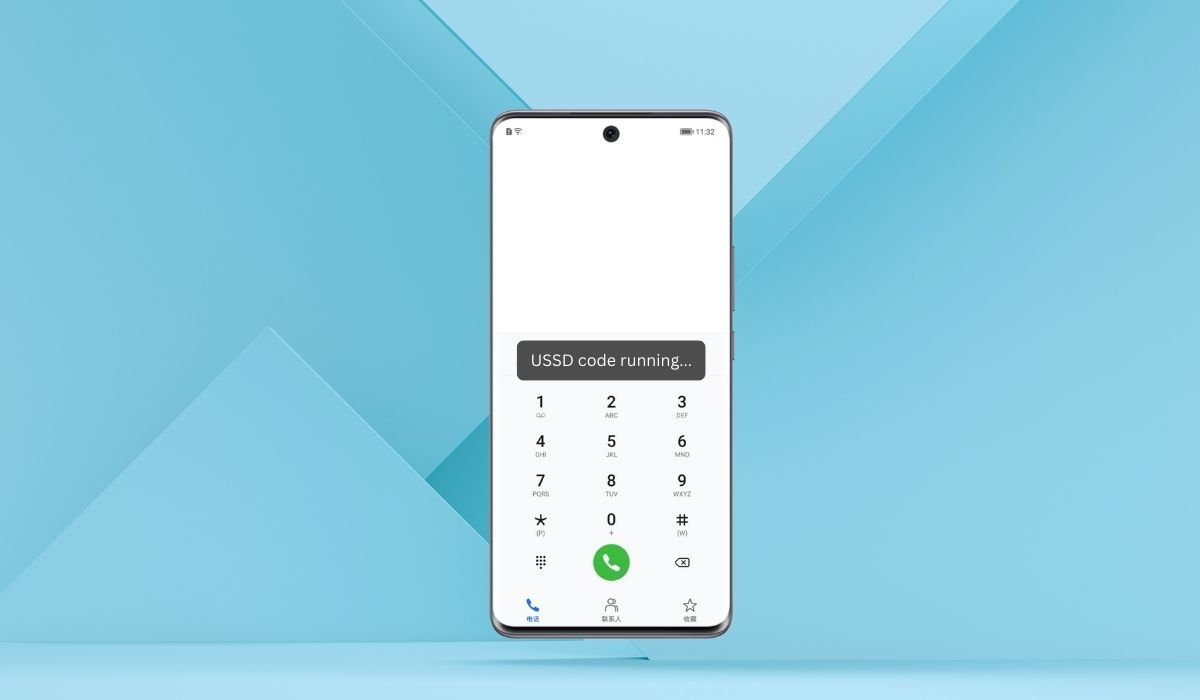
When you see the message “USSD code running” on your Android phone, it might make you wonder what’s happening. This message usually appears when your phone is processing a USSD code.
USSD (Unstructured Supplementary Service Data) is a system used by mobile phones to communicate with your network provider. It’s commonly used for checking balances, data usage, and other network services.
The phrase “USSD code running” simply means that your phone is sending a request to your carrier’s system. While this is a normal process, it might concern Android users if it appears unexpectedly or doesn’t go away quickly. This can lead to confusion or concern about what’s happening in the background.
Key Takeaways
- USSD codes allow quick, real-time communication between your phone and the mobile network for tasks like balance checks, data plans, and more.
- The “USSD Code Running” message indicates that your phone is processing a network request, which is usually safe but can be concerning if unexpected.
- Always be cautious with unfamiliar USSD codes and avoid suspicious apps or links that could trigger harmful commands.
- You can cancel a USSD code by pressing the back or cancel button, or by restarting your phone if the code doesn’t stop.
- USSD codes don’t require an internet connection, making them a reliable tool for users in areas with limited data access.
What Are USSD Codes?
USSD codes, or Unstructured Supplementary Service Data, are special codes that allow your phone to communicate directly with your mobile network. These codes usually start with a * or # and are followed by a combination of numbers.
The main purpose of USSD codes is to request services from your network provider. You might use USSD codes for things like checking your balance, activating data plans, or mobile banking. They are often quick shortcuts for accessing services without needing an internet connection.
When you dial a USSD code, your phone sends a message to the network. The network processes the request and sends a response, all within a few seconds. This happens in real-time, making USSD codes a fast and efficient way to interact with network services behind the scenes.
Why You See “USSD Code Running” on Your Android Phone
When you see the “USSD Code Running” message on your Android phone, it indicates that your phone is actively sending a request to your network provider. This process happens quickly but involves a few technical steps.
First, when you dial a USSD code, your phone sends a request through your mobile network. The network then processes the request by checking the service you need, like balance inquiries or data plan activations. Once the network gets the necessary information, it sends back a response, which appears on your screen.
This message can appear in various scenarios. For example, you may see it when you’re checking your balance, adjusting network settings, or even changing SIM card preferences. Sometimes, apps that interact with your network can trigger USSD codes in the background, causing this message to pop up unexpectedly.
Common USSD Codes and Their Functions
USSD codes are widely used by mobile users for quick access to important information and services. Here are some popular USSD codes that you might trigger accidentally or use intentionally:
- Balance Check: One of the most common uses is to check your prepaid balance. For example, *#123# or *#121# (depending on the carrier).
- IMEI Number: Dialing *#06# displays your phone’s IMEI number, which is crucial for identifying your device.
- Data Usage: Codes like *#556# can be used to check your remaining data or activate data packs.
- Call Forwarding: To check call forwarding settings, you might use ##002# to disable all call forwarding options.
Different network providers offer specific USSD codes based on their services. For example, in the U.S., Verizon users can dial *611 to check their account, while T-Mobile users can dial #225# to check their billing details.
These codes help users manage services quickly without needing to log into apps or websites.
Also read: How to Share Google Calendar on Android
Is It Safe When You See the “USSD Code Running” Message?
When you see the “USSD Code Running” message on your phone, it’s usually safe, as most USSD codes are legitimate commands used to interact with your mobile network. These codes help you perform tasks like checking your balance or managing your account.
However, there are some risks associated with USSD codes. Malicious USSD codes can potentially cause harm if triggered accidentally, especially if they are designed to perform unwanted actions like wiping your data or changing your settings. These codes can be executed through phishing attacks or malicious apps.
To stay safe, always be cautious of suspicious activity. Avoid clicking on unknown links or entering USSD codes sent by unsolicited messages. If you see the “USSD Code Running” message unexpectedly, and you haven’t dialed a code or initiated any service, it’s a good idea to stop the process immediately and check for any unfamiliar apps that might be running in the background.
How to Stop USSD Code Execution
If a USSD code is running unintentionally on your Android phone, you can stop it by simply pressing the cancel button or the back key on your phone. This will terminate the USSD process before it completes the execution.
To prevent accidental triggers, here are a few recommendations:
- Double-check before dialing any USSD code to ensure you’re entering the correct command.
- Be cautious when copying or pasting codes from untrusted sources, as they could include harmful commands.
- Avoid clicking on suspicious links that automatically run USSD codes. Malicious links can trigger harmful commands without your knowledge.
To further protect yourself from malicious USSD codes, always keep your phone’s software updated, and avoid installing apps from unknown or unverified sources. These steps will help you stay safe from any accidental or malicious USSD code execution.
Also read: What is Push Notification in Android
Troubleshooting Issues with USSD Codes
- USSD Code Not Working:
- Ensure you have a stable network connection.
- Check if the code is correct and valid for your carrier.
- Phone Stuck on “USSD Code Running”:
- Press the cancel or back button to stop the execution.
- Restart your phone if the issue persists.
- USSD Code Response Delayed:
- Wait a few moments as network congestion might slow down the response.
- Retry the code after a short break or in a different location.
- Invalid USSD Code Error:
- Confirm the code with your network provider’s support or website.
- Some codes might be region-specific or service-specific.
- USSD Code Not Supported on SIM Card:
- Make sure you’re using a SIM card that supports the services tied to the USSD code.
- Contact your carrier if your SIM is new or recently changed.
- Unexpected USSD Code Activity:
- If a code runs without your input, check for suspicious apps.
- Remove unfamiliar apps that could be running USSD commands in the background.
Advanced USSD Code Functions
USSD codes are not just for basic tasks like checking your balance. Many businesses and apps use them for advanced tasks such as mobile banking, SIM management, and even customer support services. For example, mobile banking apps may use USSD codes to allow users to transfer funds, check their account balance, or pay bills without needing a data connection. These codes are ideal for people in areas with limited internet access.
SIM management is another common use for advanced USSD codes. Telecom companies use them to allow users to activate or deactivate services, check network settings, or even port numbers from one carrier to another.
When comparing USSD with SMS or mobile data, USSD has several advantages:
- Real-time interaction: Unlike SMS, which can have a delay, USSD codes work in real-time, making them ideal for instant tasks like mobile banking.
- No data required: USSD doesn’t require an internet connection, making it more accessible for users in areas with poor or no mobile data coverage.
- More secure: Since USSD operates within the network’s infrastructure, it can be more secure than relying on data connections, which are susceptible to hacking.
This makes USSD codes highly effective for real-time tasks and interactions with mobile networks, especially in regions with limited access to mobile data or internet services.
Conclusion
In summary, when you see the “USSD Code Running” message on your Android phone, it’s an indication that your phone is sending a request to your mobile network. USSD codes are useful for tasks like checking balances, managing data plans, and even advanced features like mobile banking.
To stay safe while using USSD codes, always verify the codes you dial, be cautious of malicious links or apps that might trigger harmful USSD commands, and make sure your phone’s software is up to date.
If you have concerns about unexpected USSD code activity or need help with specific USSD functions, it’s always best to reach out to your mobile service provider for guidance and support.
FAQs
Can a USSD code harm my phone?
Generally, USSD codes are safe when used correctly. However, malicious USSD codes can perform harmful actions like resetting your device or changing settings. Always ensure you’re entering trusted codes and avoid suspicious links or apps.
What should I do if a USSD code doesn’t stop running?
If a USSD code doesn’t stop running, try pressing the cancel or back button. If that doesn’t work, restarting your phone should stop the process.
How do I prevent seeing the USSD code message too often?
Avoid frequently dialing USSD codes unintentionally by double-checking numbers before you dial and refraining from clicking suspicious links that could trigger USSD commands in the background.
What should I do if my phone displays an invalid USSD code error?
This typically means the code is incorrect or not supported by your network provider. Check the code’s validity with your carrier or try again with the correct one.
Are USSD codes the same across all networks?
No, USSD codes can vary depending on the network provider. Some codes are universal (e.g., *#06# for IMEI), but others are specific to certain carriers or regions.
Can I use USSD codes without an internet connection?
Yes, USSD codes don’t require a mobile data connection. They rely on your mobile network, making them useful in areas with poor or no internet coverage.


