

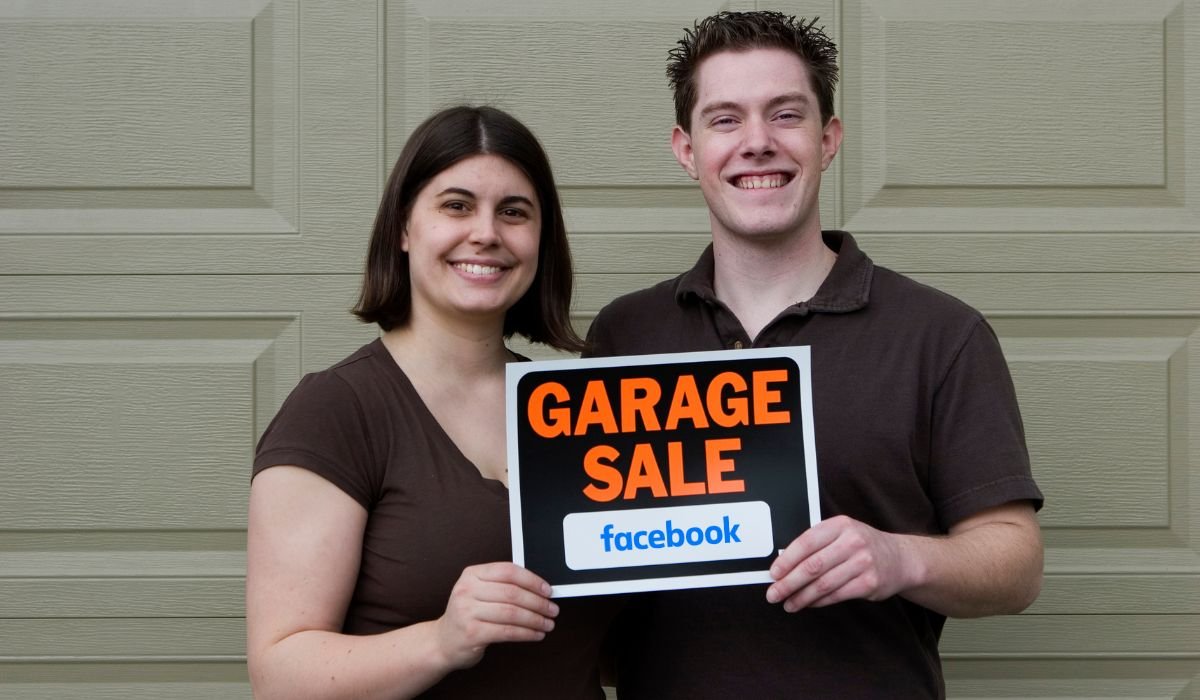
Facebook is a highly effective platform for promoting garage sales because of its broad reach and community-driven features. With millions of users actively participating in local groups and communities, it’s easy to target the right audience. Facebook allows users to connect with buyers in their neighborhood, ensuring the sale attracts local interest.
There are also various tools on Facebook to help spread the word about your garage sale. From posting on Marketplace to joining local groups and creating events, Facebook offers several ways to get the most out of your sale.
Why Use Facebook for Garage Sales?
Facebook connects you to a large audience. With so many users, it’s easy to find people interested in your garage sale.
Sharing is simple and fast. Friends and local groups can help spread the word. This boosts your visibility in the community.
Facebook offers special tools like Marketplace and Events. These features make it easier to list items and inform others about your sale.
Facebook Marketplace: The First Place to Post
Facebook Marketplace is the easiest and most effective place to post your garage sale. Here’s how to get started:
Step-by-Step Guide:
- Go to Marketplace: Open Facebook and click on the Marketplace icon.
- Create a New Listing: Select “Create New Listing” and choose “Items for Sale.”
- Add Details: Provide a clear title like “Garage Sale,” “Yard Sale,” or “Moving Sale.” Include key details such as date, time, and location.
- Upload Photos: Post photos of items that will attract buyers. Highlight popular items like furniture, electronics, or kids’ toys.
- Set Pricing: Include pricing for featured items or simply list the sale as “Negotiable” to encourage more visitors.
- Add Location: Make sure to add your location so that nearby buyers can easily find you.
Tips for Optimizing Your Listing:
- Use relevant keywords like “garage sale,” “yard sale,” or “moving sale” in the title and description to attract local buyers.
- Be descriptive and highlight unique items to draw attention.
- Update the listing during the sale to reflect items that have sold or any price changes.
Posting in Local Garage Sale Facebook Groups
How to Find and Join Local Garage Sale Groups:
- Use the Facebook search bar to look for local garage sale or buy/sell/trade groups in your area.
- Type keywords like “garage sale,” “yard sale,” or “buy and sell” along with your city or neighborhood name.
- Once you find a group, click “Join” and wait for approval.
Best Practices for Posting:
- Follow Group Rules: Each group has specific rules about what you can post. Read and follow them to avoid being removed.
- Use Clear Descriptions: When posting about your sale, list key details like time, location, and featured items.
- Engage with the Community: Encourage interaction by posting clear photos, pricing, and responding quickly to comments.
Be Active and Responsive: Staying active in these groups boosts visibility. Reply to questions and update the post as items sell. Being responsive helps build trust and encourages more foot traffic to your sale.
Creating a Facebook Event for Your Garage Sale
How to Create a Facebook Event:
- On your Facebook homepage, click on “Events” in the left-hand menu.
- Click “Create New Event” and select whether it will be an Online or In-Person event.
- Add a clear event name like “Neighborhood Garage Sale” or “Big Yard Sale.”
- Set the location of the sale and add the date and time.
- Invite local friends to help spread the word and encourage them to share the event with their networks.
Benefits of Using the Events Feature:
- RSVPs: You can track how many people are interested in or attending your sale.
- Reminders: Facebook automatically sends reminders to attendees as the event date approaches.
- Easy Sharing: Attendees can quickly share the event with others, increasing your sale’s reach.
Adding Key Information:
- Location: Include the exact address to make it easy for people to find you.
- Dates and Times: Clearly state when the garage sale will happen.
- Items for Sale: Highlight popular or unique items in the description to attract more attention.
Using Facebook Stories and Posts for More Exposure
How to Share Your Garage Sale:
- Post your garage sale details directly to your Facebook Story and personal timeline.
- Include a brief description, time, and location in the post, making sure it’s visible to your friends and followers.
Encouraging Friends and Family to Share:
- Ask your friends and family to share your garage sale post. This expands your reach to their networks, drawing in more local buyers.
- You can even tag them in your posts or stories to make sharing easier.
Use of Visuals:
- Post eye-catching photos of unique items for sale, like furniture, electronics, or collectibles. Visuals grab attention quickly.
- Use Facebook’s editing tools to add stickers or text to highlight important information, such as special deals or item categories.
Facebook Ads: Is it Worth It for a Garage Sale?
Overview of Facebook Ads: Facebook Ads offer an easy way to promote your garage sale to a broader local audience. With location-targeted ads, you can ensure your sale reaches nearby potential buyers.
How to Create a Low-Budget Ad:
- Go to Facebook Ads Manager and select “Create New Ad.”
- Set your objective to “Engagement” or “Traffic” for better interaction with your post.
- Choose a small budget and use the location targeting feature to focus on a specific radius around your area.
- Write a brief, catchy ad description and upload images of key sale items.
- Set the ad to run for a few days leading up to your sale.
Pros and Cons of Using Facebook Ads:
Pros:
- Targeted reach ensures that locals who are more likely to attend will see the ad.
- You can set a low budget and still reach hundreds of potential buyers.
- Increases visibility for items that might not get attention through posts alone.
Cons:
- It’s a paid option, which might not be ideal for small or one-time events.
- Ads are only effective if your target audience is actively on Facebook in the days leading up to your sale.
Best Practices for Posting Garage Sales on Facebook
- Be Descriptive: List specific items you’re selling, their prices, and conditions. Include important details like “lightly used” or “brand new” to help buyers make decisions. Mention popular categories such as furniture, electronics, or clothing.
- Use High-Quality Images: Photos grab attention. Make sure to post clear, well-lit images of your big-ticket or popular items. Highlight unique or valuable items like collectibles or appliances, which can draw more people to your sale.
- Timing Matters: Post your garage sale details a few days in advance to give people time to plan. Send a reminder the day before the event to keep it top of mind. This helps maximize visibility and ensures a good turnout.
Additional Tips for Success
- Engage with Commenters: When people comment or message you about your garage sale, respond quickly and politely. This builds trust and can help convert inquiries into actual visits.
- Post Updates: Throughout the sale day, post updates about items that have sold or any price drops. This keeps potential buyers informed and encourages more traffic to your sale.
- Leverage Facebook’s “Boost Post” Feature: If you want even more visibility, consider using Facebook’s “boost post” feature. For a small fee, you can promote your sale to a larger, targeted audience in your local area, attracting more foot traffic.
Conclusion
Using Facebook to promote garage sales offers numerous benefits, from reaching a broad local audience to easily sharing details through tools like Marketplace, groups, and events. The platform provides multiple ways to attract buyers, increase visibility, and boost engagement, ensuring a successful sale.
By exploring different features such as Marketplace listings, local groups, and even Facebook Ads, you can maximize exposure and make sure your sale stands out.
Feel free to share your own garage sale experiences or ask any questions in the comments. Let’s help each other succeed in making the most of Facebook for sales!
Frequently Asked Questions
Where is the best place to post a garage sale?
The best place to post a garage sale is Facebook Marketplace and local garage sale groups. These platforms connect you with nearby buyers. Additionally, creating a Facebook Event can help increase visibility and allow people to RSVP and share the sale.
How do I advertise my garage sale on social media?
Advertise your garage sale by sharing it on Facebook, Instagram, and local buy/sell groups. Use clear descriptions, quality images, and encourage friends to share. For even more reach, consider using Facebook Ads or boosting posts to target local buyers.
How to post a garage sale on Facebook Marketplace on iPhone?
Open the Facebook app on your iPhone, tap the Marketplace icon, and select “Create New Listing.” Choose “Items for Sale” and fill in your garage sale details. Add photos, set the location, and hit Post to share your sale with nearby buyers.
How do I post a sale on Facebook?
To post a sale, go to Facebook Marketplace and select “Create New Listing.” Enter the title, description, and upload pictures. Set the location and price, then publish it. Alternatively, you can create a post in local buy/sell groups or on your timeline.
Where is the best place to put garage sale signs?
The best places to put garage sale signs are on busy streets, intersections, and at the sale location. Make sure they’re visible from the road and include your sale date, address, and arrows pointing to your location.
Is there an app to find local garage sales?
Yes, there are apps like Garage Sale Finder, Yard Sale Treasure Map, and GSALR that help you locate local garage sales. These apps provide maps and directions, making it easy to plan your visits to nearby sales.


