

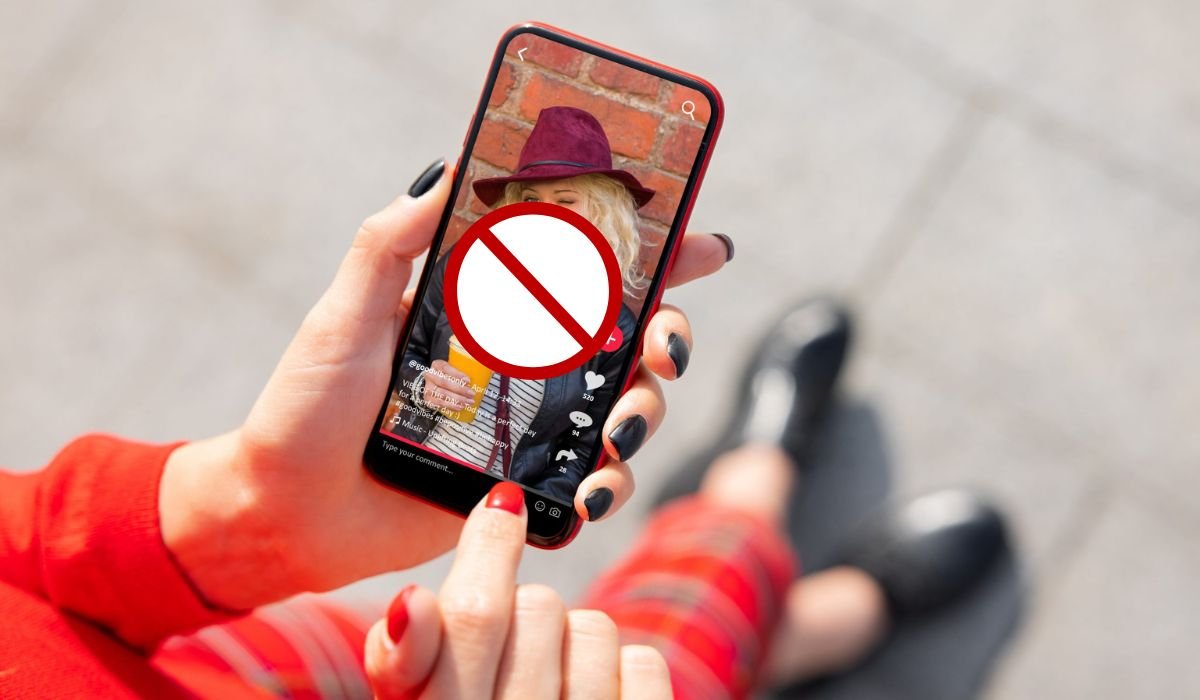
Creating compelling Facebook Reels is an essential skill for marketers and content creators looking to engage their audience effectively. However, users often encounter a frustrating issue: Reels getting cut off or cropped when shared on the main feed. Understanding why this happens and how to prevent it is crucial for ensuring your content delivers the intended impact. In this article, we’ll explore the reasons behind Facebook Reels being cut off and provide practical tips to help you optimize your videos for the platform.
Understanding Facebook Reels
Facebook Reels, similar to Instagram Reels, are short, engaging videos that allow creators to capture the audience’s attention quickly. They are designed primarily for mobile viewing, which influences many of the format’s technical requirements and constraints.
Reasons Why Facebook Reels Cut Off
1. Video Dimensions and Aspect Ratio
The optimal aspect ratio for Facebook Reels is 9:16, tailored for vertical viewing on mobile devices. Videos that do not conform to this aspect ratio are likely to be cropped or cut off. This issue is particularly prevalent with videos shot in landscape mode. To fit the vertical format, parts of the video that do not fit the frame are automatically trimmed, often leading to important visual information being lost.
2. Video Length Restrictions
Facebook imposes specific length restrictions on Reels to enhance the viewing experience by maintaining a quick, engaging pace. Videos that exceed these limits are automatically truncated. This automatic adjustment can sometimes result in the end of your video being unexpectedly cut off, especially if the video is not strategically edited for Reels.
3. Technical Limitations
Facebook Reels also face limitations related to video file size, resolution, and overall quality. If a video does not meet the platform’s specifications, it can lead to playback issues, including cutting off during viewing. Ensuring that your video adheres to Facebook’s recommended dimensions and quality standards is crucial for smooth playback.
4. Glitches and Bugs
Sometimes, the cutting off of Reels may result from glitches or bugs within the Facebook or Instagram app. These technical issues can interfere with how videos are processed and displayed on the platform. Common troubleshooting steps like restarting the app, clearing the cache, or logging out and back in can sometimes resolve these problems.
Signs Your Facebook Reel Has Been Cut Off:
- Abrupt endings with no natural conclusion.
- Missing audio segments that were initially synchronized with the video.
- Feedback from viewers indicating that content seems incomplete.
Tips to Prevent Facebook Reels from Cutting Off
To minimize the risk of your Reels being cut off, consider the following tips:
- Shoot in Portrait Mode: Always film your videos in the 9:16 aspect ratio. This ensures your content is fully visible within the frame intended for Reels.
- Keep Videos Short: Adhere to the length restrictions of Facebook Reels by keeping your videos concise, ideally under 30 seconds. This not only prevents cutting off but also helps maintain viewer engagement.
- Plan Your Frame: When filming, be mindful of the space above and below the subject to avoid important elements being cropped out. Stepping back from the camera can help include more headspace and prevent top or bottom cropping.
- Adhere to Technical Specifications: Before uploading, ensure your video meets Facebook’s criteria for dimensions, resolution, and file size. This reduces the chances of playback issues.
- Troubleshoot Appropriately: If you encounter issues with your Reels, try basic troubleshooting steps like restarting the app or clearing the cache. For persistent problems, don’t hesitate to contact Instagram support.
By understanding the reasons why Facebook Reels may be cut off and implementing these preventive measures, you can create more engaging and visually appealing content. This not only enhances the viewer’s experience but also boosts the visibility and effectiveness of your digital marketing efforts on Facebook.
Conclusion
Understanding and adapting to the operational nuances of Facebook Reels can significantly enhance your video-sharing experience. By following the outlined preventive measures and adapting your content creation strategy accordingly, you can ensure that your audience enjoys your Reels as intended, without frustrating cuts. Engage actively with platform updates and community insights to stay ahead in the ever-evolving social media landscape.
Frequently Asked Questions (FAQ)
Why is my print getting cut off?
This usually happens when the paper size or margins set in your printer settings do not match the layout of your document. Check and adjust the printer settings to ensure they align with your document’s format.
Why is my text being cut off in Word?
Text can be cut off in Word if the page margins are too narrow or if the text box is not properly sized. Ensure your margins and text boxes are correctly set up to fit all content within the printable area.
How to print without being cut off?
Ensure your document’s page size matches the paper in your printer and that margins are set wide enough to accommodate all elements. Use “Print Preview” to check alignment before printing.
How to fix your margins are pretty small some of your content?
Increase your document’s margins through the Page Setup dialog. This adjustment gives more space to your content, preventing it from being clipped during printing.
How do I print an entire page without cutting it off?
Set your printer to “Fit to Page” or adjust the scaling under the print settings. This ensures that the entire document adjusts to fit on the paper size you are using.
Why is Word cutting off my pictures when printing?
This can occur if the images extend beyond the printable area or margins. Resize the images or adjust the margins to ensure that all parts of the pictures are within the printable zone.


